


Helpful Reads
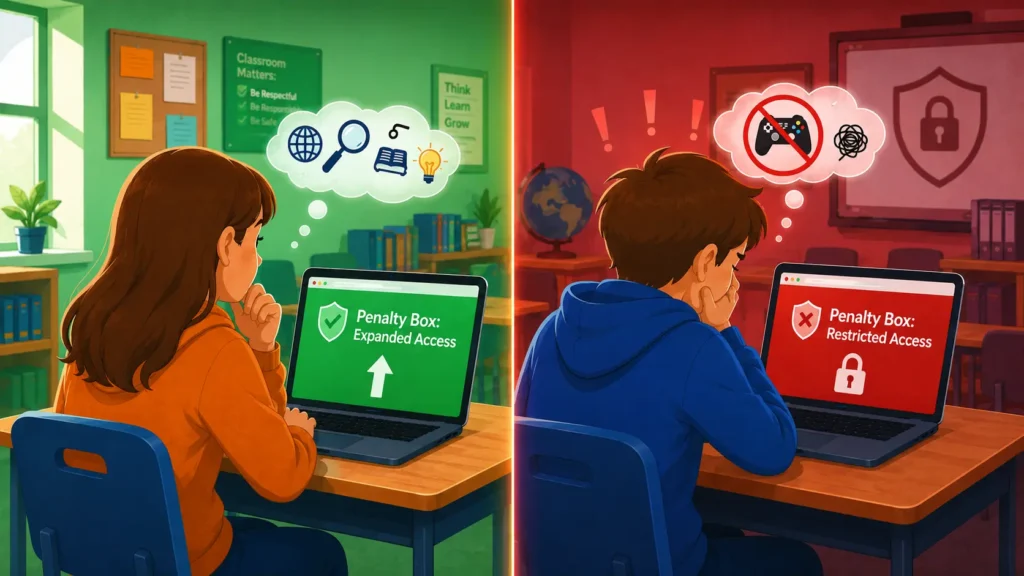
The Blocksi Penalty Box: More Than Just a Digital Timeout
Restrict, customize, or expand student internet access. Learn how Blocksi’s Penalty Box gives admins the flexibility to do it all.

Class Scheduler: Automation That Works While You Teach
Blocksi’s Class Scheduler helps K-12 teachers manage schedules, automate class sessions, and simplify classroom management from the Teacher Dashboard.
Why You Shouldn’t Block the Whole YouTube
Learn why it’s smarter to filter YouTube in schools—protect students while keeping valuable video content available for teachers.

5 Must-Have Features in a School Web Filter
Blocksi’s school web filter keeps K-12 students safe on all devices with smart filtering that’s simple to manage. Explore 5 must-have features today!

5 Reasons Teachers Love Blocksi’s Quiz Generator
K-12 quiz creation has never been easier – or quicker. This is how teachers can create assessments in seconds.
The Future of EdTech: 3 Ways of Using AI in the Classroom
Explore the exciting possibilities of integrating AI into the classroom with these 3 innovative approaches to EdTech.
Is Your School Web Filter Too Restrictive?
Is your school web filter too restrictive? These are some signs it might be – and how to find the safest solution without overly restricting your students.
How To: Create AI-Proof Assignments for K-12 Educators
Creating AI-proof assignments in a time of prevalent AI technology can be challenging. Here are some tips on how to do it for K-12 educators.
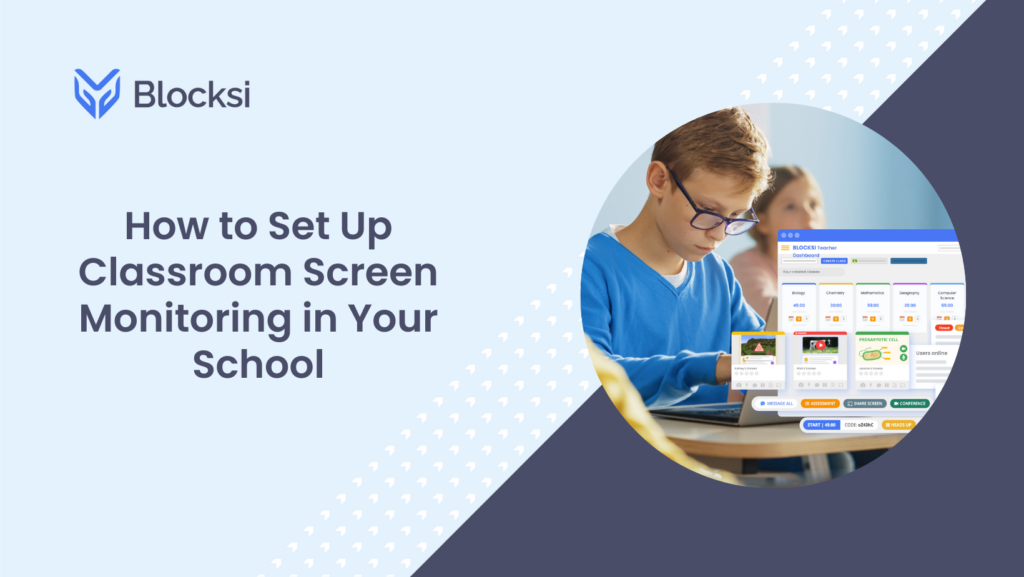
How to Set Up Classroom Screen Monitoring in Your School
Whether you are a new, experienced or assistant teacher, monitoring students’ computer and screen activity in the classroom can be a great teaching benefit.
Google Case Study: For Modern Teachers’ Powerful Learning Tools
Blocksi partnered with Google and Google‘s latest case study reveals a positive impact on students using Chromebooks – even at home!