


classroom management
What We Learned at Blocksi’s Back to School Conference 2026
A look back at Blocksi’s Back to School 2026 Conference: key insights, feature highlights, and takeaways from our biggest virtual event yet.
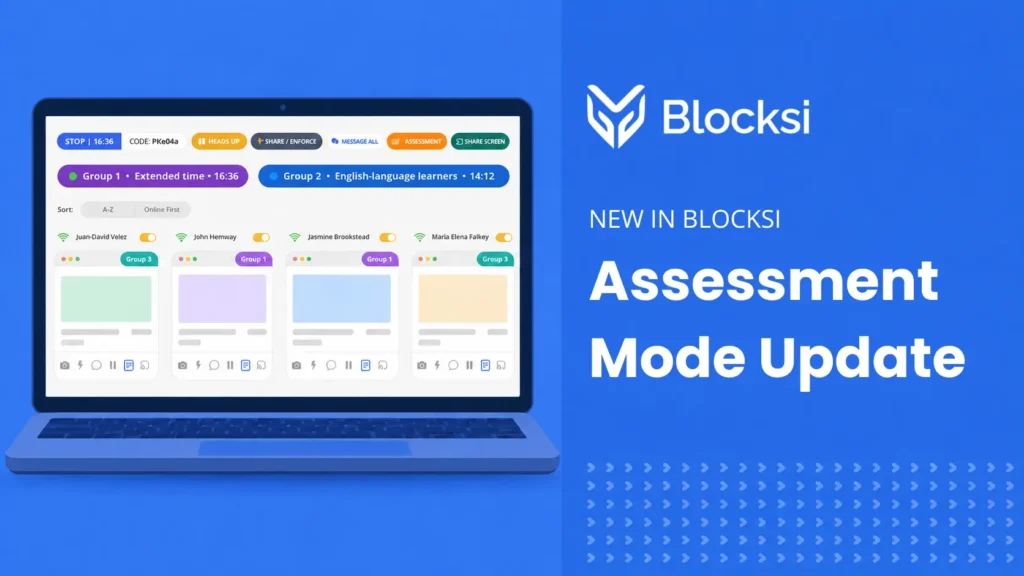
Assessment Mode Update: Extended Time, Live Group Monitoring, and More
New in Blocksi: run assessments with per-group time controls, transfer still-working students to their next class, and import or export assessment presets.
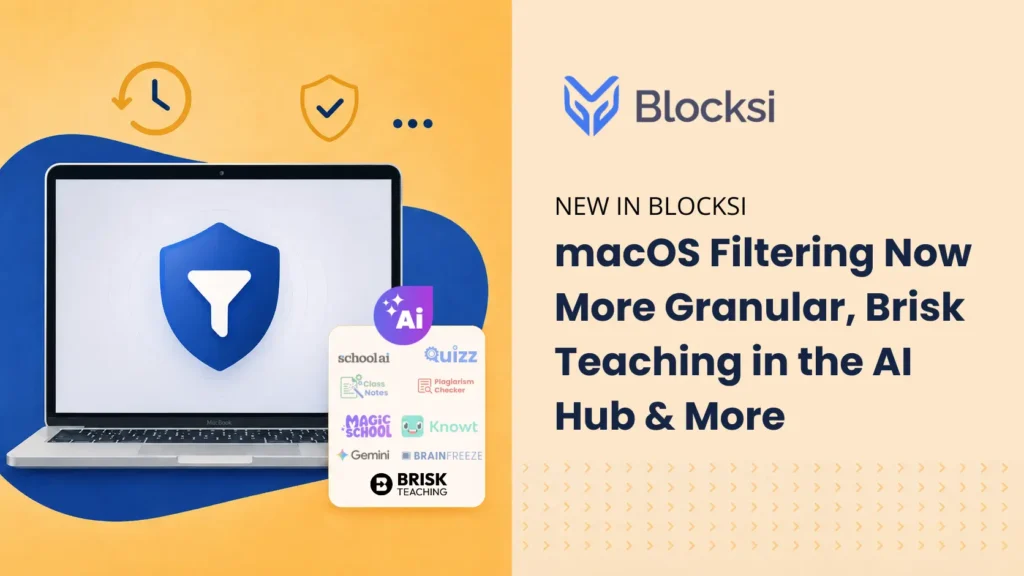
What’s New at Blocksi: macOS Filtering, AI Hub Additions, and Classroom Controls
Blocksi’s latest updates include macOS filtering updates, Brisk Teaching in the AI Hub, new controls for admins and teachers, and more.
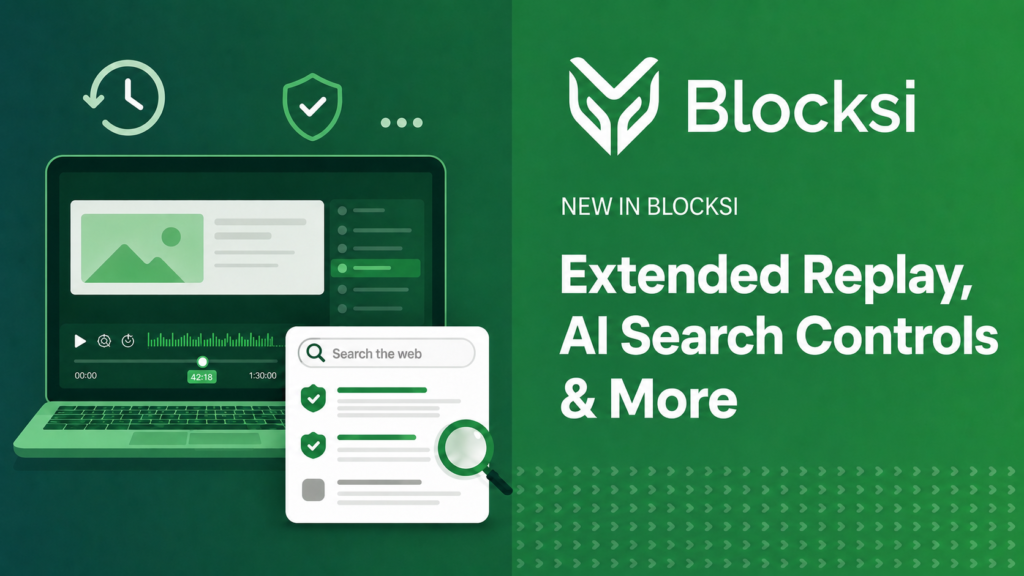
What’s New at Blocksi: Extended Replay, Google AI Controls, and More
Blocksi has shipped several updates recently — including a longer session replay window, Google AI search controls, improved student message notifications, and CSV export for Block and Allow Lists.
Class Notes: Automatic Lesson Notes for Teachers
Blocksi Class Notes lets K–12 teachers automatically capture lessons and receive secure, clean summaries with instant PDF delivery.
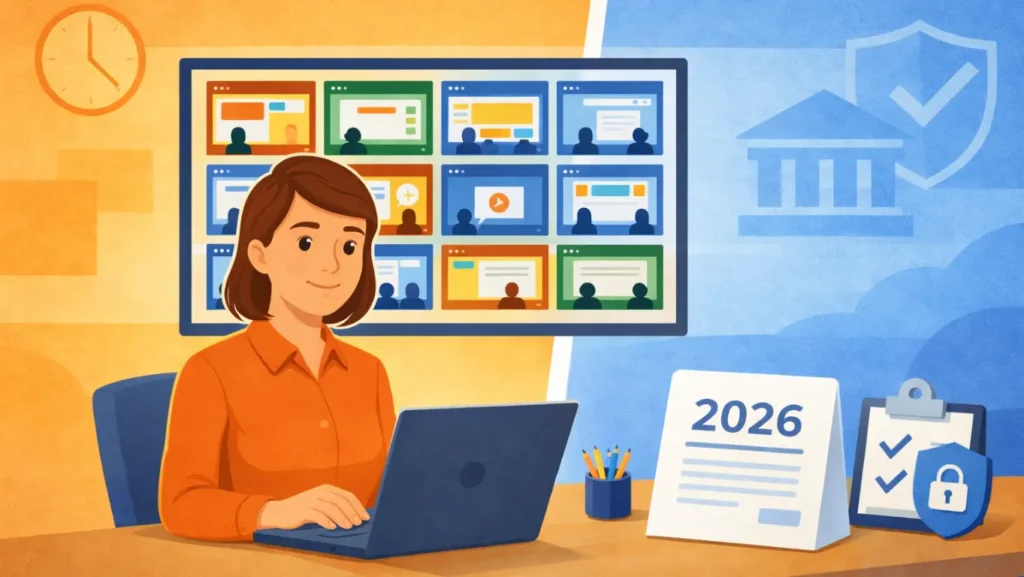
Regulating Screen Time in Schools: A Guide for 2026
Screen time in schools is now a legal requirement in some states — and more are coming. Here’s what districts need to know in 2026.

Class Scheduler: Automation That Works While You Teach
Blocksi’s Class Scheduler helps K-12 teachers manage schedules, automate class sessions, and simplify classroom management from the Teacher Dashboard.

AI Hub Update: Faster Access to Teacher AI Tools
Blocksi’s AI Hub update makes it easier for teachers to access popular AI tools, like MagicSchool, SchoolAI, Google Gemini, BrainFreeze, and Knowt directly from their dashboard.

Blocksi Product Release: Xmas 2025 Celebrates Innovation and Growth
Celebrate Blocksi’s Xmas 2025 Product Release with Digital Hall Pass, App Usage Insights, and Context Filtering for smarter school and classroom management.

Classroom Management With Blocksi: A California Teacher’s Experience
A California teacher shares how Blocksi helps her keep students focused, support shy learners, and simplify classroom management in a 1:1 Chromebook setting.