


Blogs
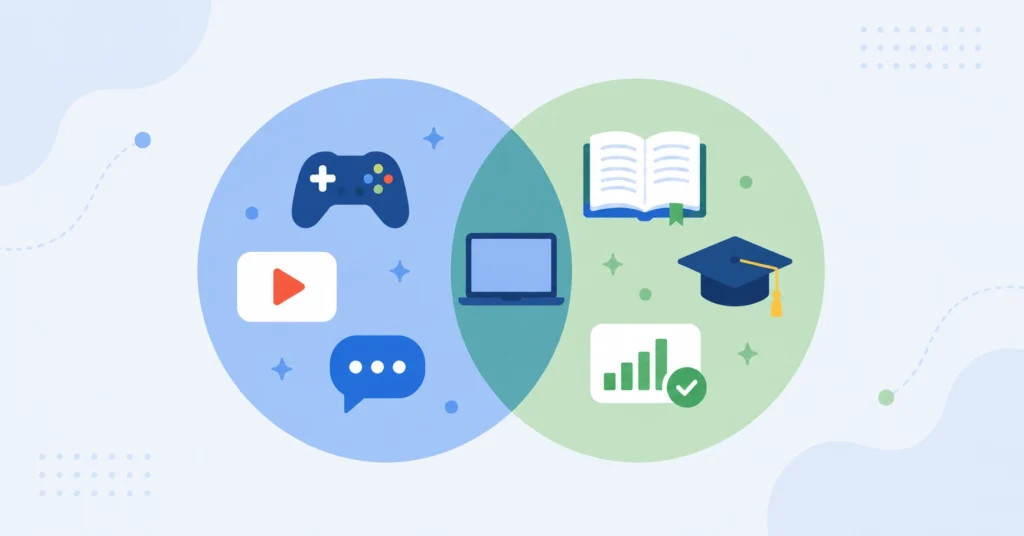
What the Department of Education’s New EdTech Guidance Means for Districts
The ED’s new guidance draws a line between recreational and instructional tech. See what it means for districts, and how Blocksi can help.
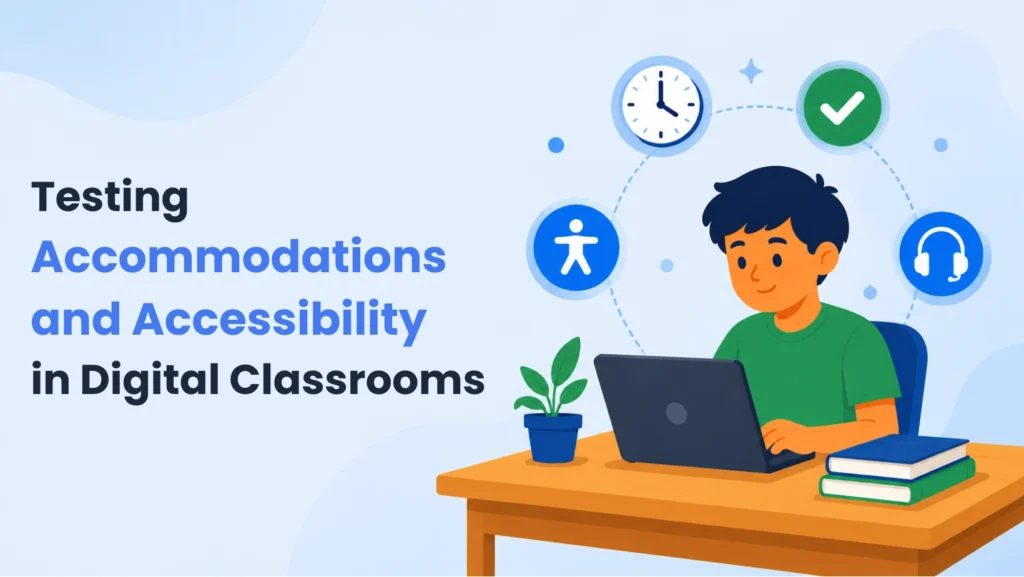
Testing Accommodations and Accessibility in Digital Classrooms
Testing accommodations in K-12: why extended time is the most common support, and why digital tools still struggle to deliver it.
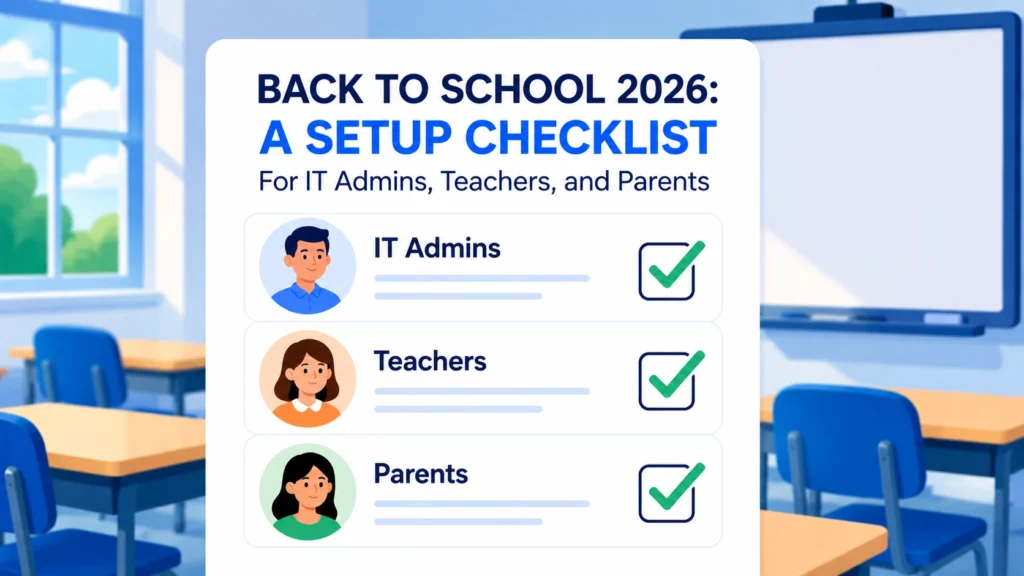
Back to School 2026: A Setup Checklist for IT Admins, Teachers, and Parents
A role-specific back to school checklist for IT admins, teachers, and parents to get filtering, classroom tools, and device rules set before day one.
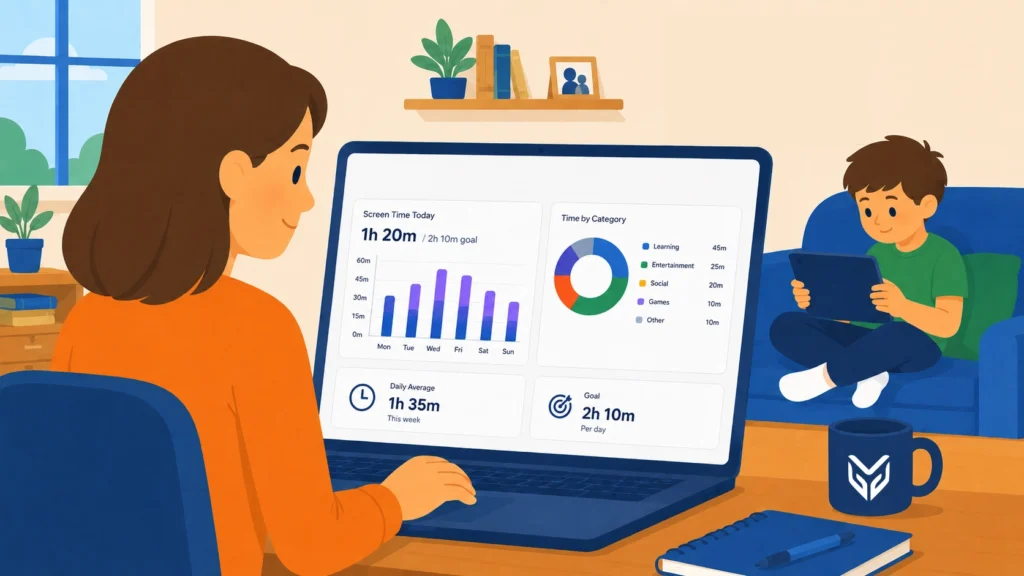
Screen Time Awareness: What Every Parent Should Know in 2026
Screen time awareness is growing fast among parents and schools alike. Learn what’s changing and what you can do about it today.
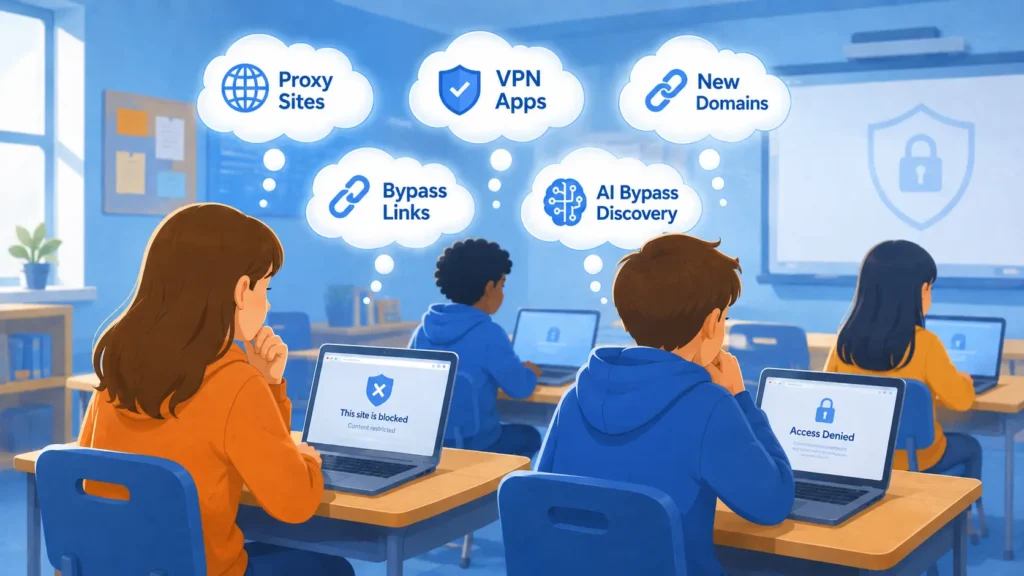
What K-12 IT Is Seeing in 2026: The Latest Student Bypass Methods
K-12 filters are struggling to keep up in 2026. See the latest student bypass methods and the detection approach that addresses them.
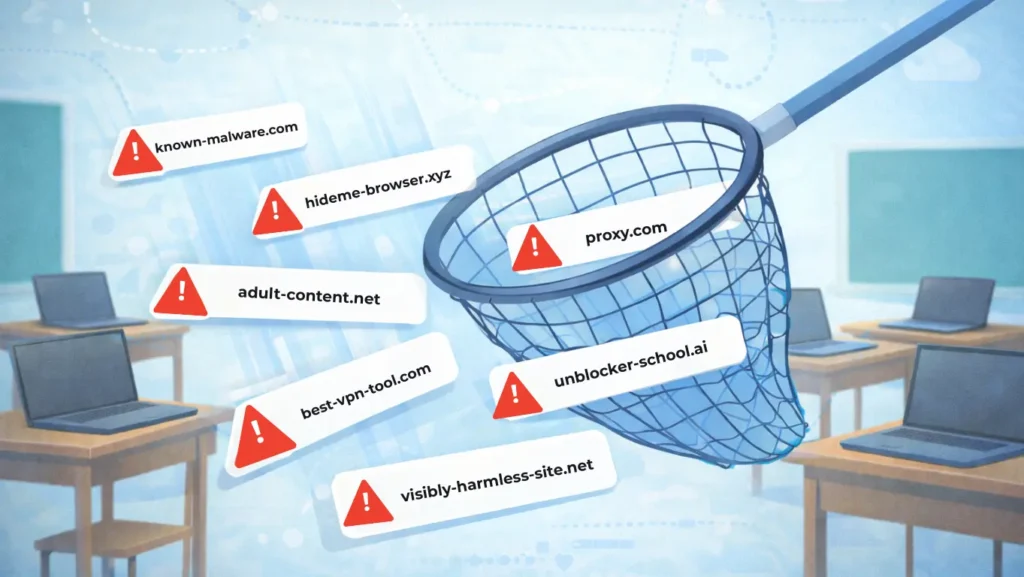
How Students Bypass School Content Filters — and How to Stop Them
Students are bypassing school content filters through proxies and new URLs. Here’s how Blocksi’s AI Context Filter and Smart Proxy Detection stop them.
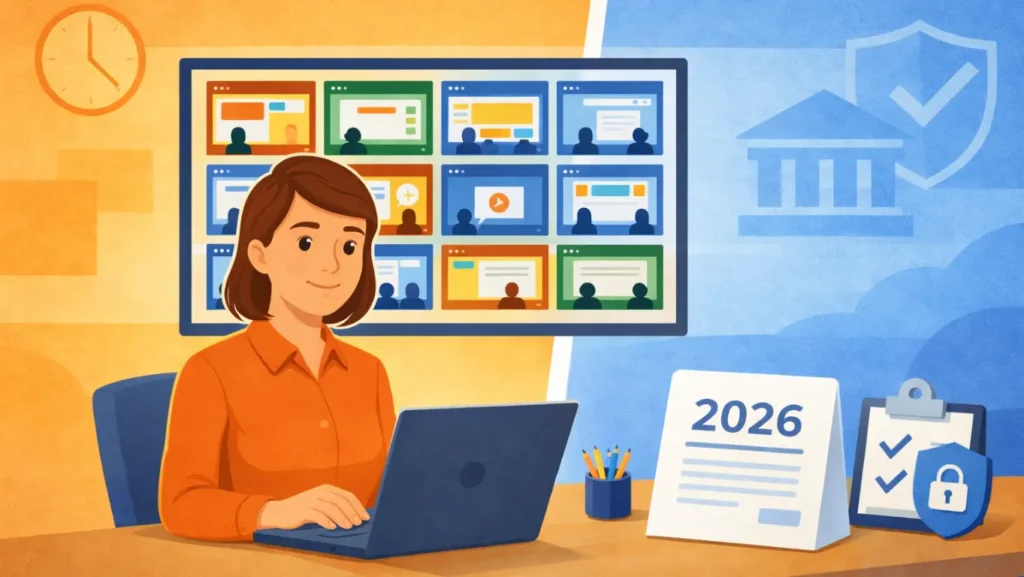
Regulating Screen Time in Schools: A Guide for 2026
Screen time in schools is now a legal requirement in some states — and more are coming. Here’s what districts need to know in 2026.
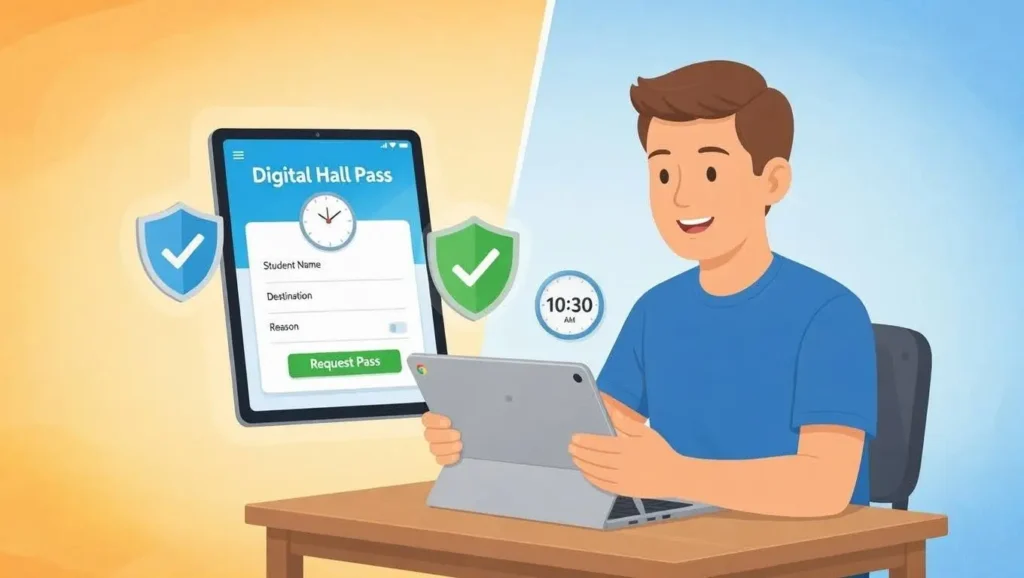
How Digital Hall Passes Are Reducing Hallway Chaos in 2026 Schools
Digital hall pass systems are helping K-12 schools cut hallway chaos and save teaching time in 2026. See what actually works and how to pick the right one for your district.
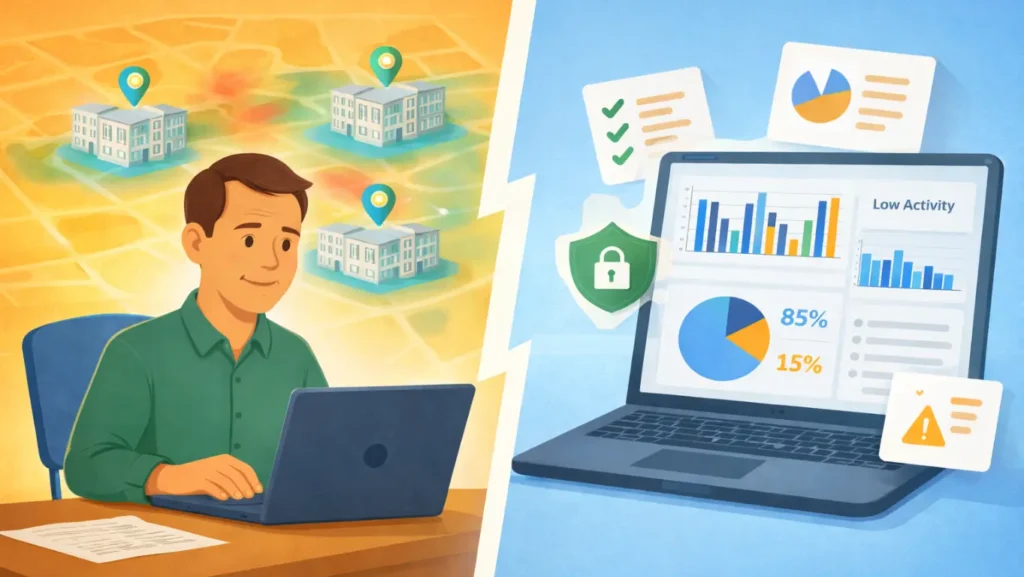
The Admin’s Guide to Tracking Student App Usage
Tracking student app usage gives K–12 leaders clear, actionable data to evaluate digital tools, reduce unnecessary spending, and optimize budgets. Use data to make smarter EdTech usage insights grounded in evidence, not assumptions.

Classroom Management With Blocksi: A California Teacher’s Experience
A California teacher shares how Blocksi helps her keep students focused, support shy learners, and simplify classroom management in a 1:1 Chromebook setting.