


Product Update
Blocksi Now Offers macOS Web Filtering
Blocksi’s content filtering solution enables schools to filter macOS devices, allowing for secure and monitored internet activities in and out of school.

Blocksi Is Now Microsoft Compliant
Blocksi has ensured compatibility with Microsoft’s standards, allowing for a smooth login experience on Windows devices using Outlook credentials.
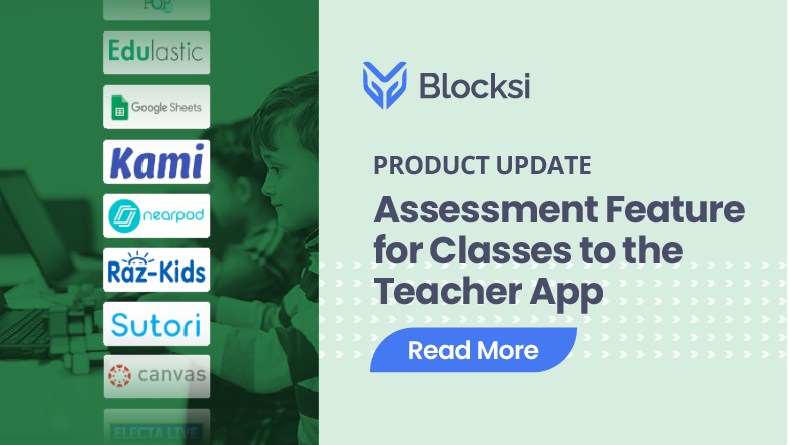
Assessment Feature Now Available on Teacher App
Teachers can use the assessment feature in the Teacher App, which supports a diverse range of over 25 web apps for creating assessments and custom presets.
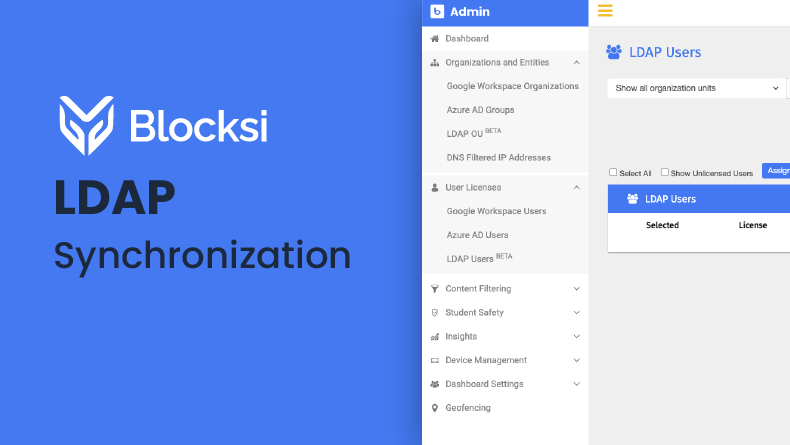
LDAP Synchronization with Blocksi Manager Education Everywhere
The LDAP integration enables admins to easily access and manage their directory information services directly within Blocksi’s platform.
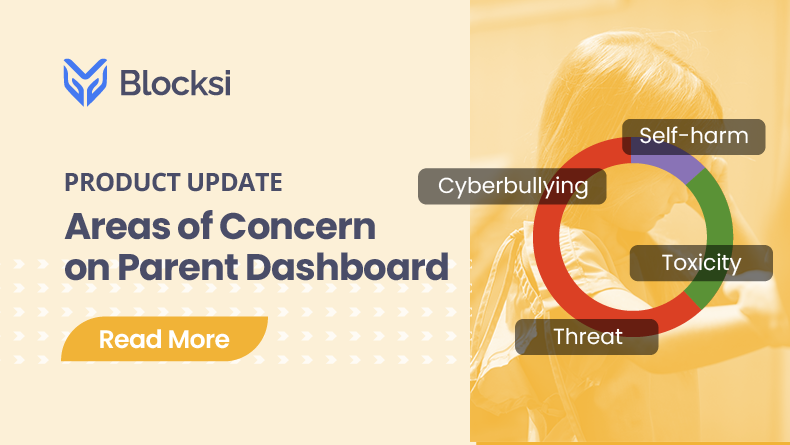
With Blocksi’s Areas of Concern, Parents No Longer Need to Worry!
Parents can now keep their kids safe by checking on their data with the Areas of Concern feature.
Introducing Blocksi’s Powerful AI Plagiarism Detection Tool for Teacher Dashboard
Blocksi’s AI Plagiarism Detector is a tool that detects AI-generated content and ensures students consistently achieve their highest potential.
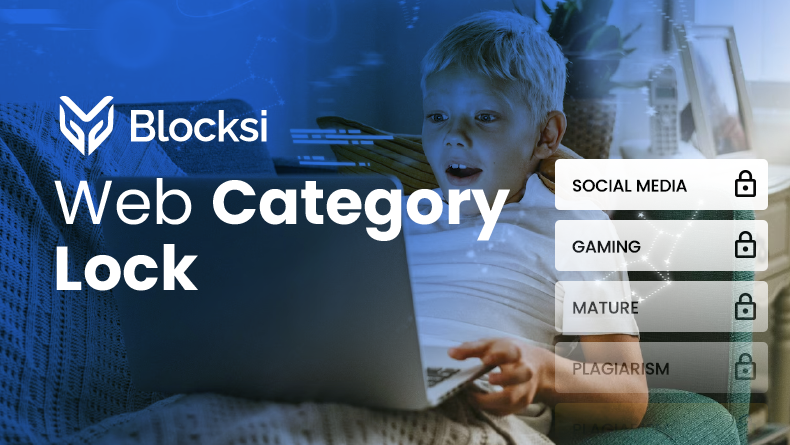
Newest Content Filtering Feature: Category Lock for Your Admin Dashboard
Blocksi’s cloud-based content filtering solution has added a new Category lock feature that allows locking a web category so no one can override it.
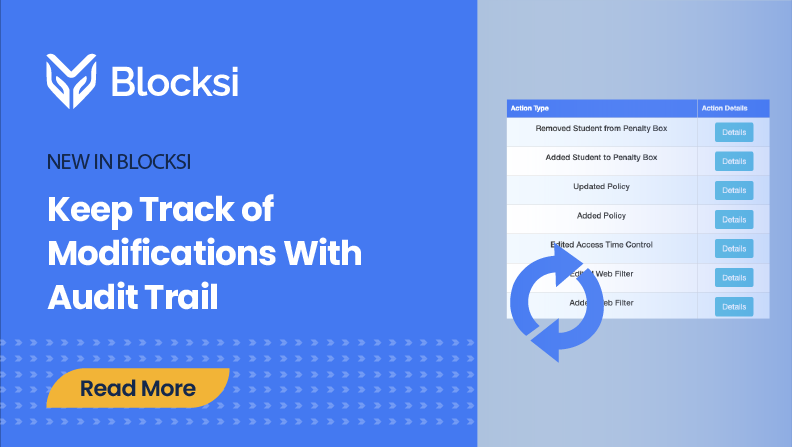
Check History of Modifications With Audit Trail
Blocksi’s content filtering has an Audit trail feature enabling admins to monitor dashboard changes, including policy updates and web filter modifications.
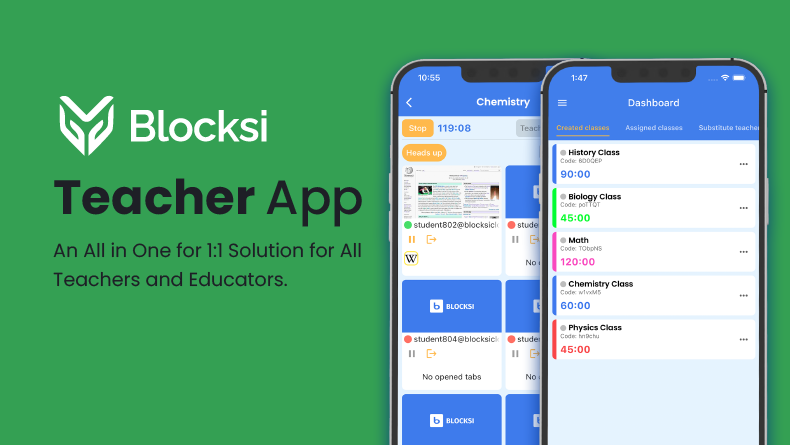
Blocksi Teacher Mobile App: Classroom Monitoring and Control on the Go
The Blocksi Teacher Mobile App is here! Manage classes, monitor students, and enforce policies—all from your phone.
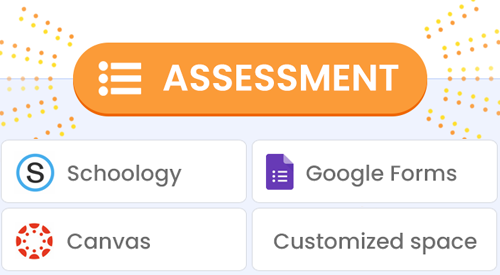
Airtight Assessments with Google Forms, Schoology, and Canvas
Blocksi’s locked-down browser mode keeps students focused by restricting internet access to only the chosen assessment environments.