


NEWS
AI Hub Update: Faster Access to Teacher AI Tools

Teachers are already using AI to plan lessons, create materials, personalize instruction, and save time — but jumping between multiple tools can slow things down. That’s why we’ve expanded the AI Hub in the Blocksi Teacher Dashboard, bringing commonly used AI tools into one, centralized place.
With this update, teachers get quicker access to the AI tools they already use, all from within the Teacher Dashboard.
What’s New in the AI Hub
Alongside the Quiz Generator and Plagiarism Checker teachers already know and use, the AI Hub now also includes five shortcuts to popular AI teacher tools.
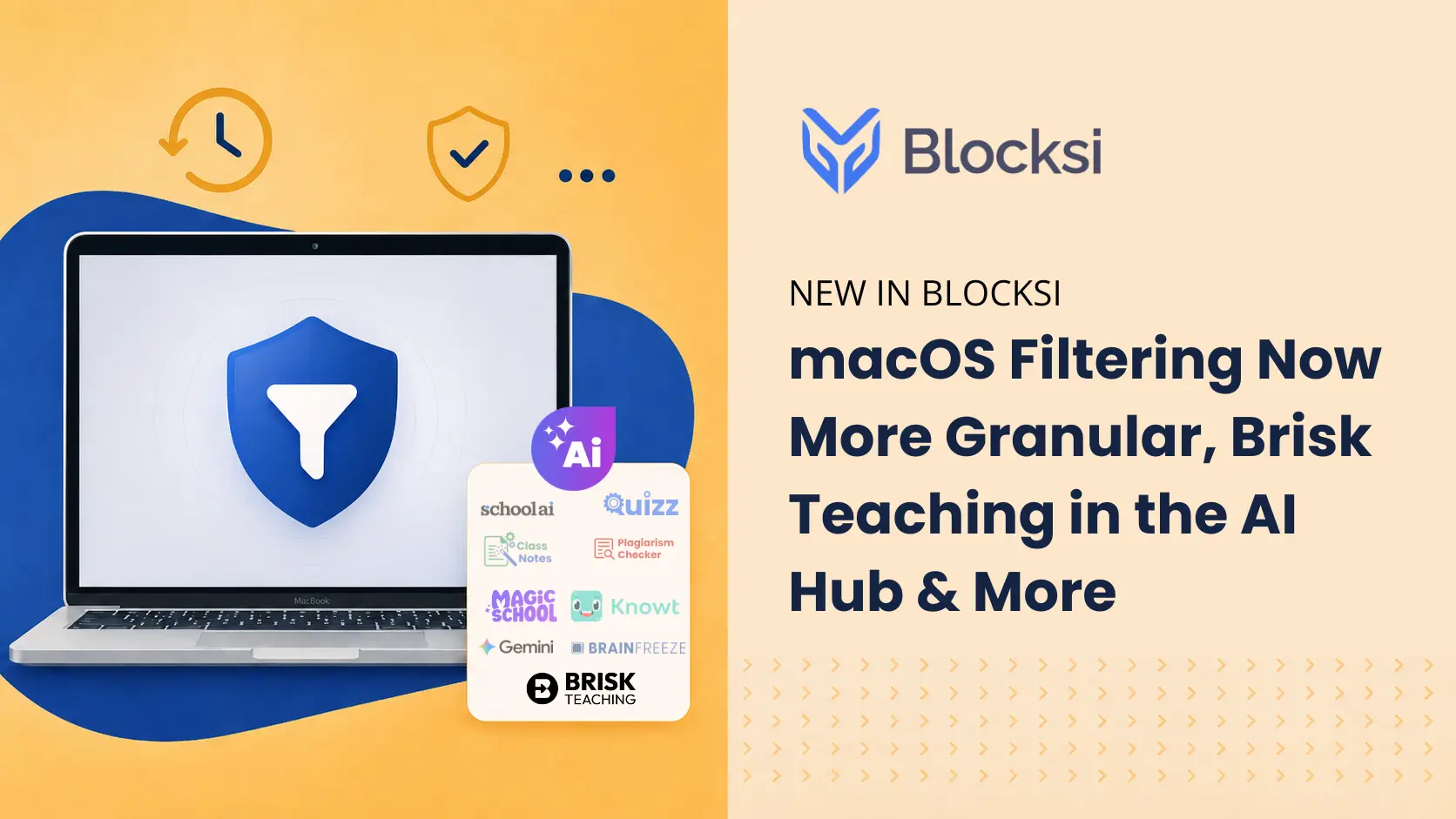
Five new AI tools—MagicSchool, SchoolAI, Google Gemini, BrainFreeze, and Knowt—are now available as shortcuts in the AI Hub, giving teachers a single place to access AI tools.
Teachers can open any enabled tool with one click, launching the selected AI application directly in their browser.
“Teachers are stretched thin, and technology should simplify their day, not complicate it,” said Hilarie Zombek, Sales Lead | GTM Education at BrainFreeze. “Bringing BrainFreeze into the Blocksi Teacher Dashboard helps alleviate workload by streamlining lesson creation, differentiation, and student support, while expanding access to personalized, AI-powered learning experiences for every student.”
Why This Update Matters: Paul Schiltgen, VP of Sales at Blocksi
“We’re excited to expand the AI Hub with these popular tools, giving teachers faster access to powerful, AI-driven resources,” said Paul Schiltgen, VP of Sales at Blocksi. “By bringing these tools together in one place, we’re further simplifying workflows and allowing educators to focus more on what matters most—engaging with students and delivering personalized learning experiences. This update is a game changer in helping teachers make the most of their time in the classroom.”
Admin Control: Decide What Teachers See
This update keeps full control in the hands of administrators.
From the Admin Dashboard, admins can:
- Navigate to Dashboard Settings → Teacher Dashboard
- Scroll to the Learning Hub Marketplace
- Open the AI Tools tab
- Choose which AI tools are visible to teachers — any, all, or a custom selection
This gives districts the flexibility to align AI access with their goals and policies, without a one-size-fits-all setup.
Teacher Experience: Simple, Fast, Familiar
For teachers, the experience is intentionally lightweight:
- In Class View, the AI Hub button appears in the bottom-right corner
- All admin-enabled tools are displayed in one place
- Clicking a shortcut opens the selected AI application instantly
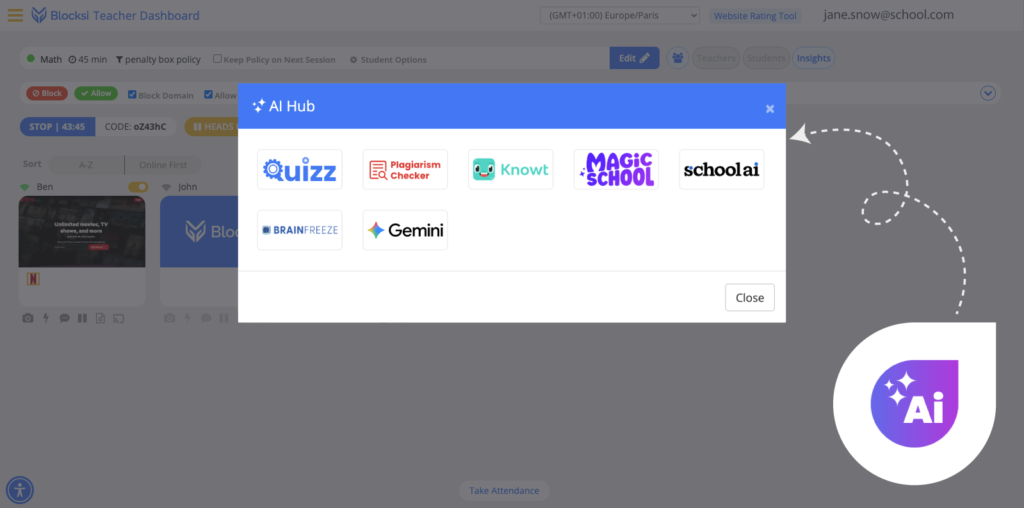
There’s no new workflow to learn — just quicker access to tools teachers already use for lesson planning, assessments, personalization, and classroom support.
Why This Matters
The AI Hub simplifies access to AI tools teachers already use, helping reduce unnecessary clicks and tool switching during the school day.
Part of Blocksi’s Teacher-First Approach
The expanded AI Hub is another step in making the Teacher Dashboard a true meeting point where classroom management, instructional tools, and AI support work together.
Instead of scattering access across multiple places, this update helps schools bring commonly used tools together, creating clarity, consistency, and better classroom flow.
More AI tools and integrations are coming as the AI Hub continues to evolve.
Catch Up on What Else Is New

Follow Our Social Media Channels


