


NEWS
What the Department of Education’s New EdTech Guidance Means for Districts

On August 20, 2026, the U.S. Department of Education’s Office of Elementary and Secondary Education released a Dear Colleague Letter that reframes a debate schools have been having for years. Assistant Secretary Kirsten Baesler draws a clear line: recreational technology and instructional technology are not the same thing, and treating them as one problem with one solution (usually a blanket time limit) misses what actually matters.
The letter makes this explicit in its own words: “Recreational technology and education technology should not be viewed as synonymous.” Baesler acknowledges that excessive recreational screen use deserves attention, but argues that education technology “can strengthen teaching, deepen learning, and expand education opportunity when aligned with clear instructional goals and implemented effectively.”
The question isn’t whether students use technology. It’s whether the technology in front of them is actually improving outcomes. That distinction is central to how we think about our product: guardrail technology, spark curiosity. The goal isn’t to eliminate screens, but to put the right boundaries around technology so it can better support learning. This post breaks down what the guidance means in practice, and the visibility and governance gaps that stand in the way of districts aligning with it.
What Does the Guidance Actually Ask Districts to Do?
Rather than issue a new mandate, the letter hands districts a harder, more useful standard. States and school districts are encouraged to distinguish between policies addressing recreational technology use and those governing instructional technology, and to evaluate education technology based on demonstrated learning outcomes and instructional value rather than screen time alone. It also pushes districts toward incorporating evidence of effectiveness into procurement and renewal decisions, rather than treating a purchase decision as a one-time event.
What Five Questions Should Every EdTech Tool Answer?
To support that shift, the Department outlined a practical test for evaluating any tool in a district’s stack:
- What learning problem does it solve?
- When should it be used?
- For whom should it be used?
- For how long should it be used?
- What evidence demonstrates that it improves learning?
The first question is one a vendor answers once, at the pitch. The other four aren’t answerable from a spec sheet. They require actual usage data, gathered continuously, not assumed at purchase and forgotten at renewal.
You Can’t Answer “When” and “For Whom” Without Visibility
Recreational and instructional use can be separated on paper, but answering “when” and “for whom” requires seeing where time is actually going, not just defining the categories.
Here are a few ways Blocksi helps districts get that visibility:
- Blocksi’s filtering uses AI-adaptive categorization to sort recreational categories like streaming, gaming, and social media from instructional access, so districts aren’t managing one undifferentiated pool of “screen time.” It also extends coverage to every device on the network, managed or not, so unmanaged and BYOD devices aren’t a blind spot.
- Insights breaks usage down by student, class, org unit, and teacher, including app-level usage, so “for whom” becomes a data question instead of a guess.
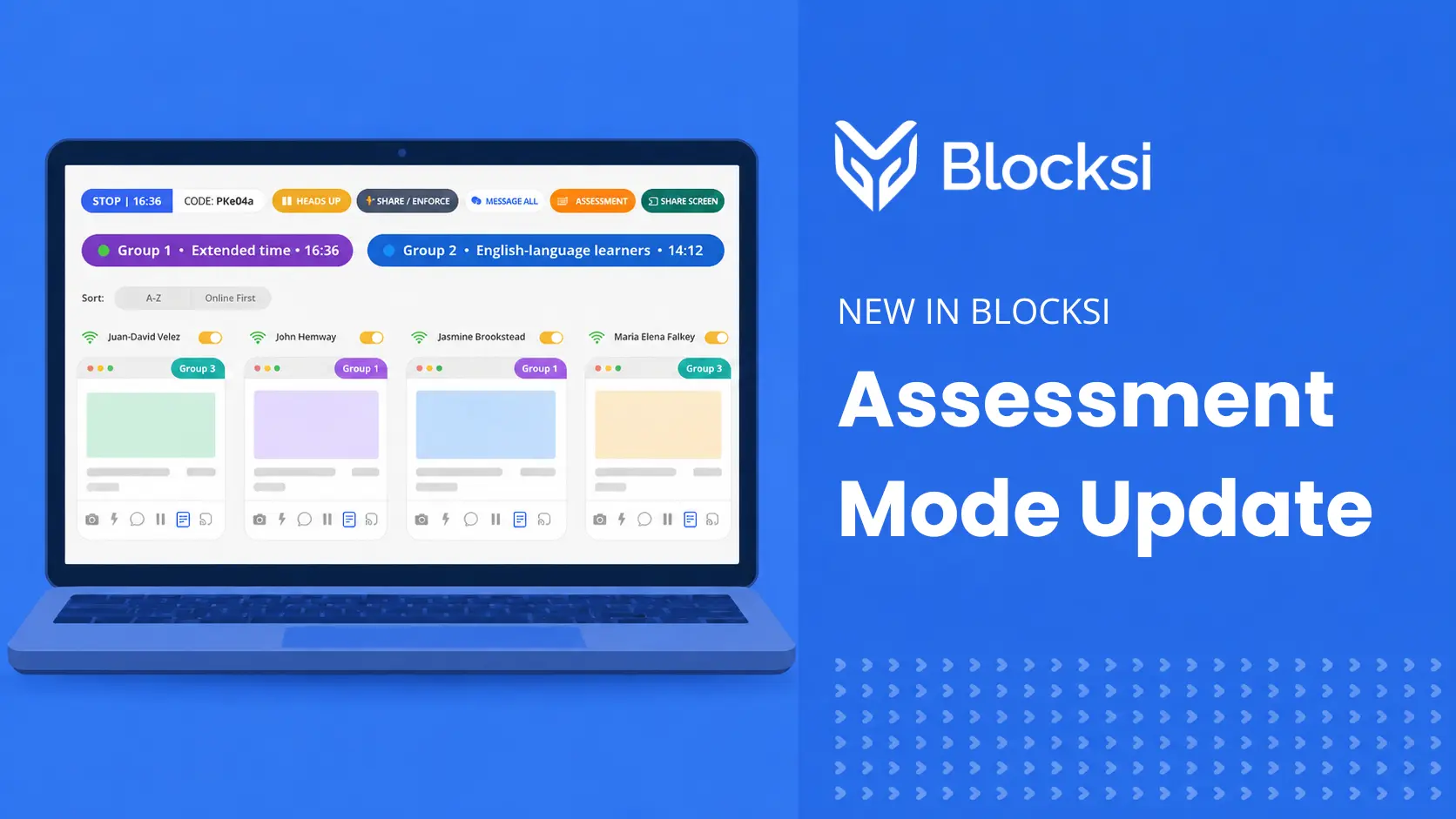
- Our Classroom Suite rounds this out with screen monitoring and instruction delivery, including Assessment Mode, which gives teachers extended time controls and live group monitoring during tests, not just visibility into which sites are open.
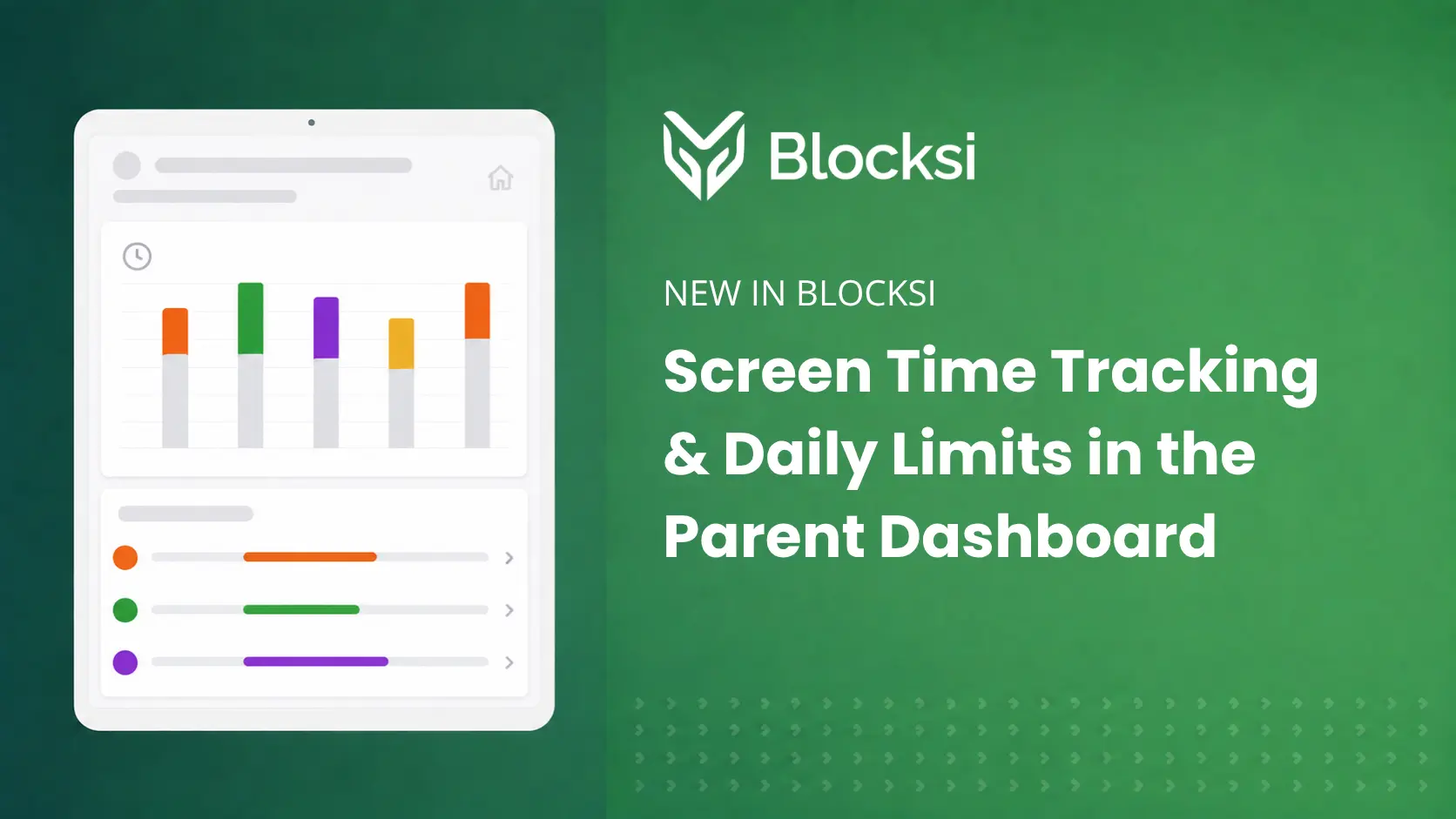
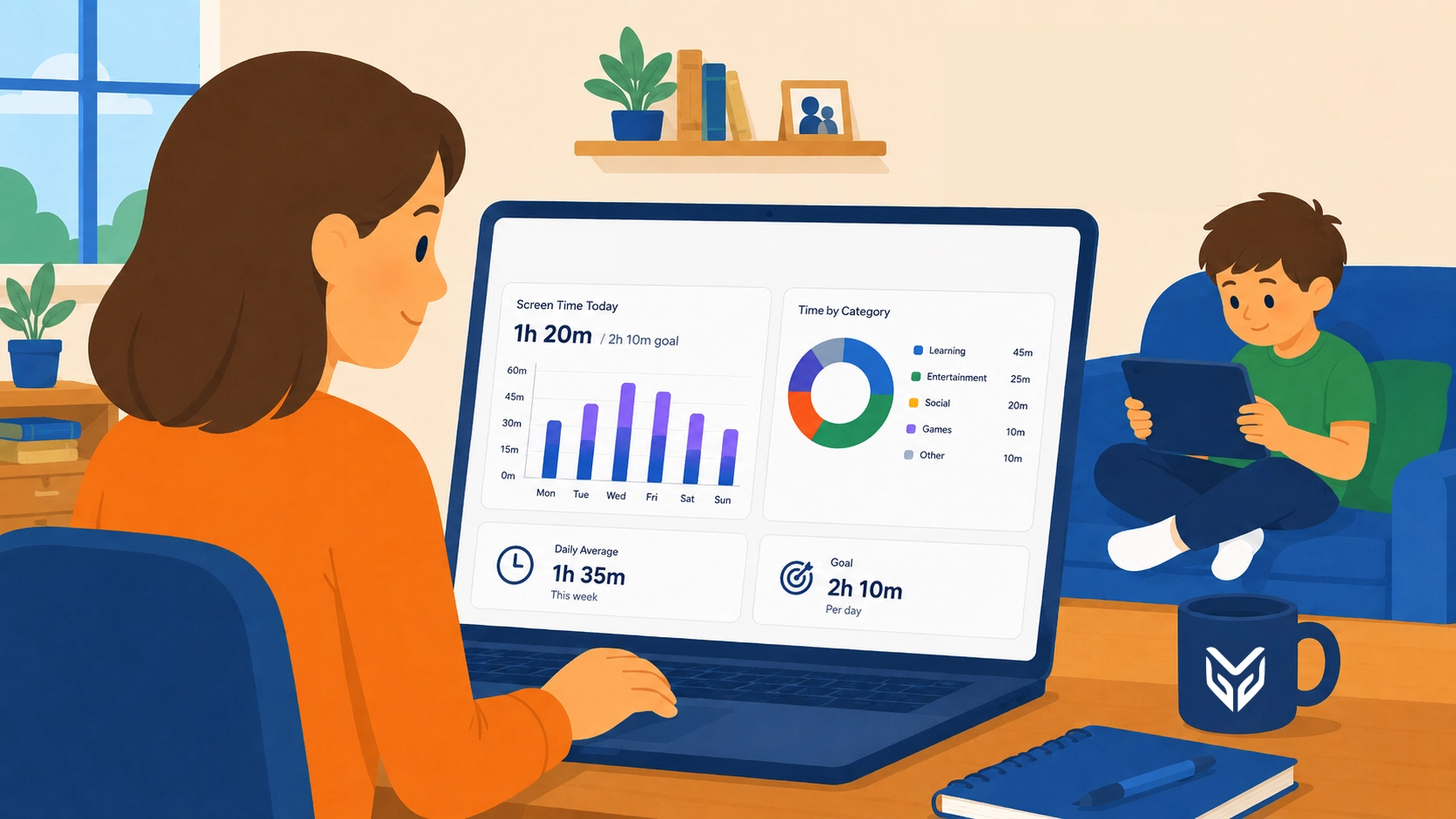
- Screen Time, our newest addition to the Parent Dashboard, separates a student’s in-school hours from their personal time outside it, in a simple, intuitive view. Parents can set access and time controls for after-school hours, and see highlighted threats and areas of concern, for a more holistic understanding of their child’s online activity.
However, none of this tells anyone how much time is “too much.” That’s not our call to make, and it isn’t the letter’s either. What it does is supply the data districts and parents need before they can even ask that question meaningfully.
Does Visibility Alone Satisfy the Guidance?
No — and the letter is explicit that technology investments should be reviewed on an ongoing basis, not just measured once, to ensure they continue meeting instructional goals. Visibility answers “what’s happening,” but not “should this tool be here at all“. That’s a separate, ongoing governance question.
Exception lists let districts control exactly which sites and apps are reachable, by policy and by group, so access decisions can evolve alongside evidence rather than sitting frozen at the point of purchase. But a policy is only as strong as the devices it can actually see and that’s where most districts have a blind spot.
BYOD devices, guest devices, and IoT hardware that never touch a district-managed agent sit completely outside any usage picture or governance policy. A shadow-IT tool a teacher discovered independently, or a personal device routing around district filtering entirely, is invisible to any system that only watches district-managed devices. It’s why Blocksi offers an on-premise appliance: hybrid filtering that extends both visibility and control to devices a district-managed agent alone would never reach.
What Should Districts Do Heading Into the School Year?
The ED’s letter does not override state laws or existing district screen-time policies already in place. What it does is raise the bar. Districts must distinguish recreational use from instructional use, and show with real data that the technology in front of students is earning its place there. That’s not a new expectation for us. It’s one we’ve been building toward since before this letter existed.
Want to see what that looks like in practice? Blocksi gives districts the visibility and control to put this guidance into action, whether that’s separating recreational from instructional use, understanding usage patterns by student and class, or keeping parents in the loop with a clear picture of their child’s day. Our goal has always been to design technology that maximizes instructional value while minimizing unnecessary screen exposure, and to keep families part of that picture, not just administrators.
Talk to our team about how Blocksi can help your district turn this guidance into an actual operating picture, not just a policy on paper.
Key Takeaways
- The ED’s guidance separates recreational screen time from instructional technology use. They should be governed differently, not lumped into a one time-limit policy.
- Districts are expected to evaluate EdTech continuously, using real usage data, not just at the point of purchase.
- Answering “when,” “for whom,” and “for how long” requires visibility tools that break down usage by student, class, and device — not assumptions.
- Governance (deciding what stays in the stack) is a separate, ongoing task from visibility (seeing what’s happening).
- Unmanaged devices like BYOD, guest, and IoT devices are a common blind spot that undermines any evidence-based EdTech policy.
FAQ
Does the Dear Colleague Letter set a new legal screen-time limit for schools?
No. The letter doesn’t establish a mandated time cap. It asks districts to evaluate technology by instructional value and evidence rather than by minutes of use alone, and it leaves existing state laws and local policies in place.
What’s the difference between recreational and instructional technology under this guidance?
Recreational technology refers to non-instructional use (streaming, gaming, social media) while instructional technology is tied to a specific learning goal and evaluated on outcomes. The letter encourages districts to govern these two categories separately instead of treating all screen time the same way.
What does the guidance ask districts to look for?
The letter points to independent evaluations, implementation reviews, educator and parent feedback, and local outcome data as the core inputs. Usage data, like how often and by whom a tool is actually used, is a useful complement, helping districts understand implementation alongside outcomes.
Do BYOD and guest devices need to be part of this evaluation?
Yes. Any device generating screen time in a school environment, managed or not, affects a district’s ability to answer “when” and “for whom” accurately. Devices outside the reach of a managed agent create a gap in both visibility and governance — which is the specific gap Blocksi’s on-premise appliance is built to close through hybrid filtering.
SOURCES
[1] Dear Colleague Letter from the United States Department of Education
More to Explore
Follow Our Social Media Channels


