


NEWS
Hall Pass Updates: New Rules, More Control for Delegates
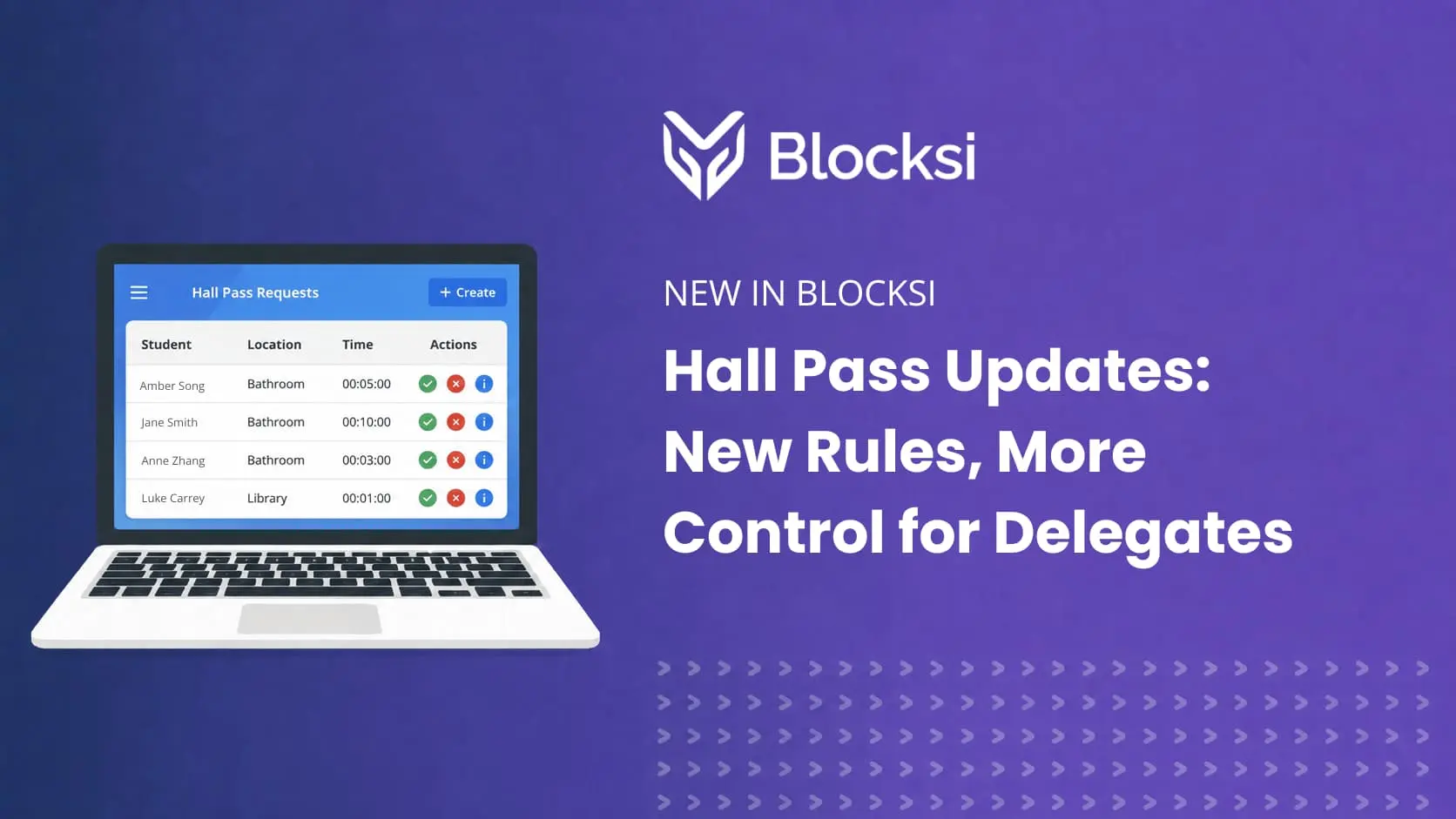
Palo Alto, CA, July 30, 2026 — Hall Pass rules just got a major rework, giving admins and delegates significantly more control over how student movement is managed across campus.
Since launch, Blocksi’s Digital Hall Pass has helped admins cut down on hallway chaos. This update rebuilds how rules are built and enforced from the ground up, with a lot less setup work required to get there. Here’s a look at what’s new.
Two ways to build a rule: location and student
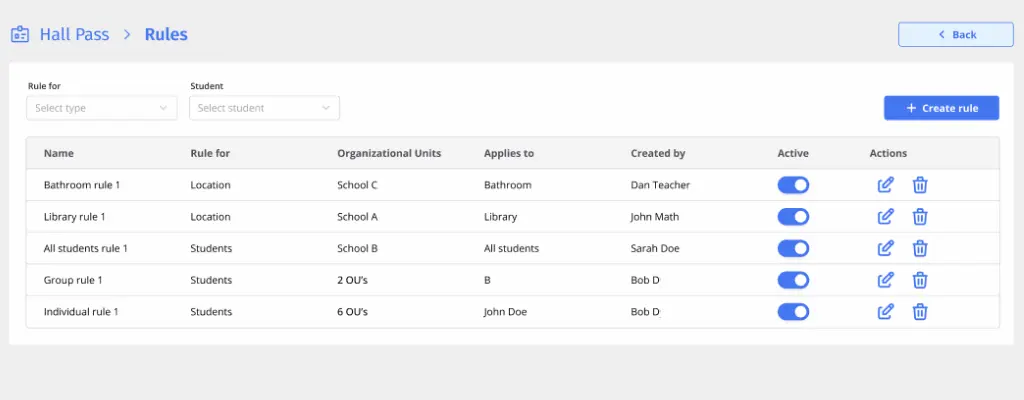
Admins now build rules around two things: a location or a student (individual, group, or all students). Each comes with its own set of controls.
Location rules:
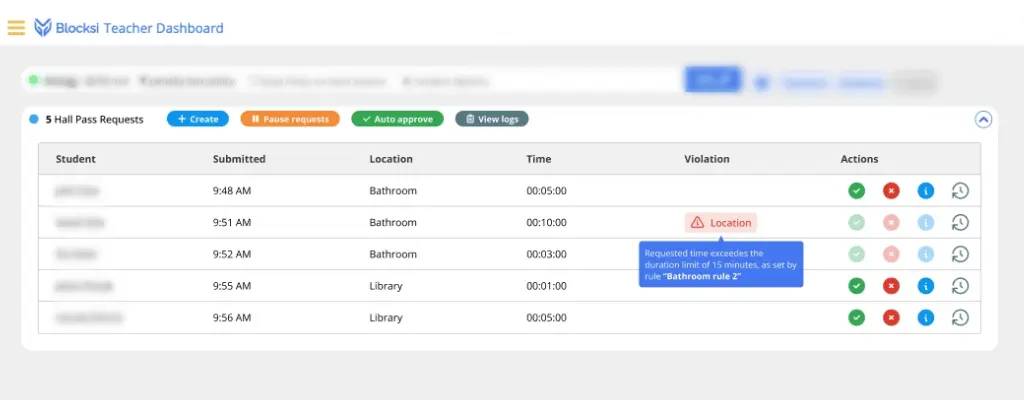
- Limit duration — cap how long a pass to a specific location can run, including extensions. Requests or extension attempts beyond the limit are automatically rejected.
- Limit capacity — cap how many passes can be active at a location at once. Turn on auto-approve to let passes through automatically up to that capacity, or auto-reject to automatically deny once it’s full. Leave both off, and requests still route to the teacher with an alert once capacity is reached.
- Temporary disable — block requests to a location during a set time window (e.g., no bathroom passes during class transitions).
Student rules:
- Limit passes — cap the number of approved passes per day, now configurable for all students, a specific group, or an individual — not just organization-wide.
- Disable passes — block requests during a set time window, now settable at the all-student, group, or individual level (e.g., block passes during an assembly).
- Exempt from all other rules — mark a student or group as exempt from every other rule that would otherwise apply, with an optional daily pass limit built into the exemption itself. Built for cases like students with documented medical or accommodation needs, where a blanket restriction doesn’t fit.
- Group prevention — unchanged in spirit: if one member of a group is out on an active pass, requests from the rest of the group are automatically held back, helping prevent hallway meetups between students with known conflicts.
A clear system for when rules overlap
With more rules stacking on top of each other, we needed a predictable way to decide what wins. This update introduces a defined priority order — exemptions first, then disable windows, then group prevention, then pass limits, then location capacity — so admins always know exactly why a request was approved or denied, even when multiple rules touch the same student.
Rules that respect your school’s boundaries
Rules management is no longer admin-only — and it’s scoped the way a district actually works. Delegates like principals can now create rules and groups of their own, limited to the schools or organizational units they’re responsible for. A principal can set up rules for their own building, working within the OUs they have access to rather than district-wide.
District admins keep the bigger picture: a rule can be scoped to one school, several, or the entire district at once. And scoping is hierarchical — a rule set for a school automatically covers every class and student underneath it, without needing to be recreated at each level.
More visibility, right where staff already look
The Requests tab now shows each location’s configured capacity alongside duration and timing, giving staff visibility into pass limits right on the table they already use.
More flexibility around approvals
Admins can also turn on a new Automatic Request Approval option, which gives teachers an Auto Approve toggle right on their dashboard — switching a class from manually approving every hall pass request to automatic approval with one click.
Two more additions to the workflow
Admins and delegates can now create a hall pass directly for an active student, without needing a teacher to initiate it. And when approving a request, reviewers can now add a comment — for example, to note where they referred the student.
Why this matters for school hallway management
This update turns Hall Pass into a system that flexes to how a specific building actually runs — tighter control where it’s needed, more breathing room where it isn’t, and a clear, auditable reason behind every approval or denial.
Have questions about setting up hall pass rules for your school? Reach out to our team through support@blocksi.net or explore the Digital Hall Pass landing page for more on what Hall Pass offers.
Catch Up on What Else Is New


Follow Our Social Media Channels


