


NEWS
Screen Time Awareness: What Every Parent Should Know in 2026
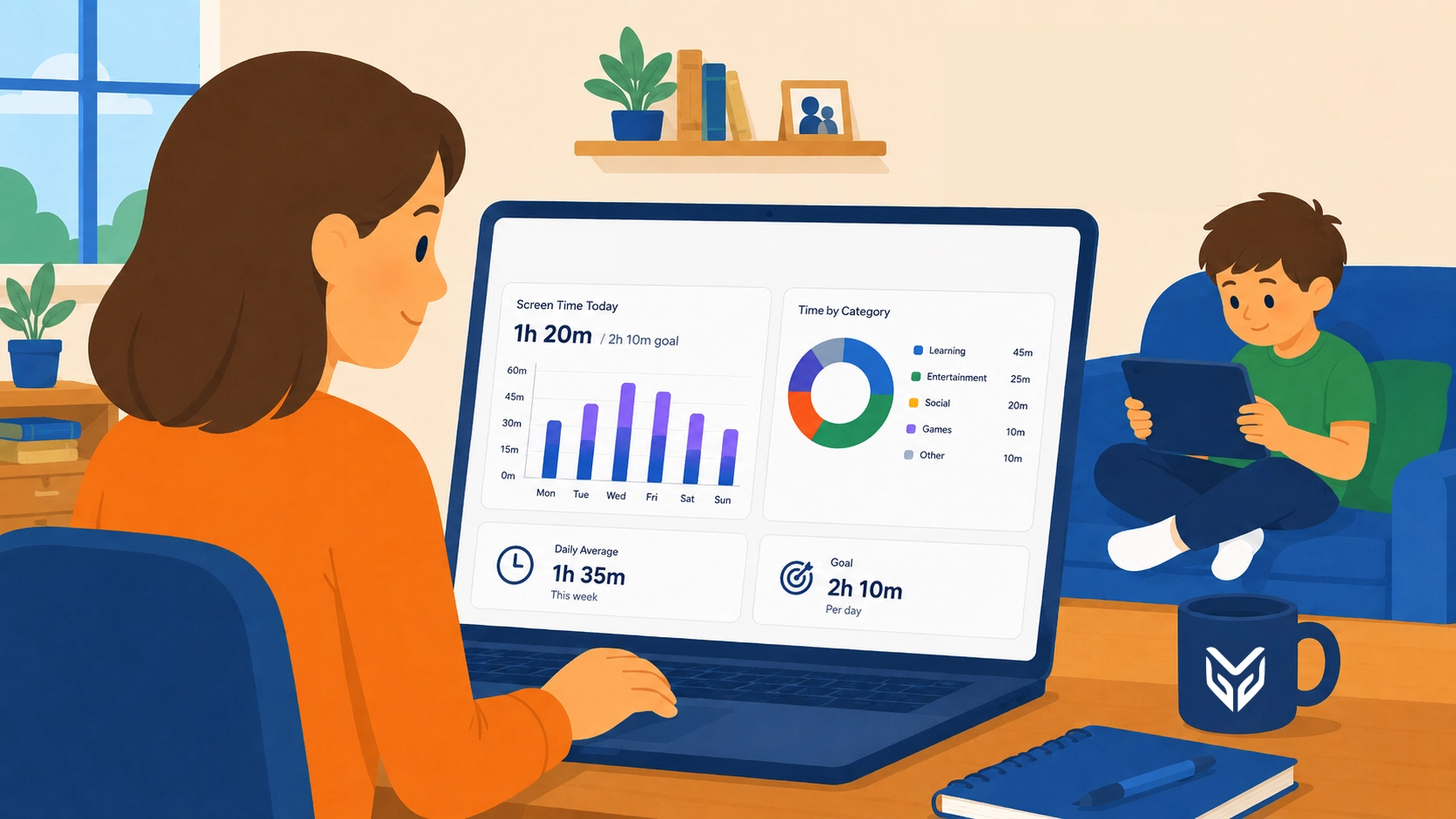
If your child brings a Chromebook or iPad home from school every day, you’re not alone in wondering what’s actually happening on that screen once homework is done. School-issued devices have become the norm in classrooms across the country, and so has the conversation around them. These days, that conversation is being led by parents, school boards, and increasingly state legislatures.
Screen time has quietly become one of the most contested topics in K-12 education. According to a CDC analysis, over 50% of US teens aged 12–17 now spend four or more hours a day on screens — a number worth keeping in mind as school-issued devices have become part of daily life.
The disagreement isn’t over whether screen time has increased. It’s over what to do about it, who’s responsible for managing it, and whether the tools currently available actually solve the problem. This post covers where the conversation stands right now, what it means for your household, and what to actually look for if you want more visibility over how your child uses their device at home.
Why Is Screen Time Getting So Much Attention Right Now?
For years, screen time was treated as a home issue — something parents managed with app limits, router controls, or simply taking the device away at dinner. That’s no longer the full picture. Once a device is school-issued, it travels between two worlds: the classroom, where IT departments and teachers set the rules, and home, where parents are supposed to be in charge but often have no visibility into what’s actually installed, accessible, or being used.
That gap is one piece of a broader picture that’s led to a wave of state legislation. Since the start of 2026, at least 16 states have introduced bills to limit or restrict device use, and states including Alabama, Tennessee, Utah, and Virginia have already passed some form of screen time law, with a common focus on requiring parent-accessible monitoring or opt-out options for school-managed devices. We touched on this, among other important things, in Regulating Screen Time in Schools: A Guide for 2026, if you want to read more about this subject.
The common thread across nearly all of this legislation isn’t “ban the devices.” It’s “give parents a way to see and manage what’s happening on them.” That’s a meaningful shift: it moves screen time from a vague parenting anxiety into something districts are being asked to build actual infrastructure around.
Is All Screen Time Really the Same Problem?
Here’s where it gets more complicated. One of the country’s largest school districts, Los Angeles Unified, recently approved a resolution capping in-school screen time, citing health and attention concerns. But the picture is more complex than a simple “less is better” rule.
Screen time recommendations still carry weight, especially for younger kids, but the research on how different kinds of screen use affect students at different ages is still catching up. Part of the problem is that “screen time” is a catch-all term covering wildly different activities, and those activities don’t carry the same consequences. Scrolling social media, playing a video game with friends, and researching a school project all count as “screen time” by the clock, but they’re not the same behavior — and they don’t produce the same outcomes.
Certain types of heavy screen use have been associated with several cognitive and mental health effects, including increased anxiety, depression and shorter attention spans. That’s part of the rationale behind moves like this, but there’s a real question about whether it actually applies to how technology gets used in a classroom.
Research from the University of Michigan points out that the “excessive use” described in most of these studies typically means five or six hours or more of passive, entertainment-driven screen time in a row — a very different activity from a student using a device to research a topic, draft a paper, build a presentation, or collaborate with classmates. The research has not shown that this kind of instructional use harms health or academic outcomes. In fact, The JAMA Pediatrics study most often cited to link screen use with weaker academic performance didn’t find that connection with screen time broadly, but only with time spent on TV and video games specifically.
Does the Type of Screen Time Matter More Than the Amount?
Quality matters as much as quantity. A Stanford-led study found that the effectiveness of digital learning tools varies widely depending on design and instructional approach. Not all EdTech products are built the same, and features like personalization or gamification don’t automatically translate into better outcomes, especially for more complex skills. The takeaway is less about how much time students spend on a program and more about whether it’s actually designed well for what it’s trying to teach.
This shows up in official guidance too. In January 2026, the American Academy of Pediatrics updated its recommendations, moving away from fixed hourly limits toward a framework that weighs the quality and context of use rather than a strict number of hours.
That’s a real shift from the “X hours per day” guidance many parents grew up with, and it reinforces the same idea researchers on both sides of the classroom-technology debate keep landing on: how a device is used matters more than how long it’s open.
It also cuts the other way. Time spent on a device doesn’t automatically mean time well spent. Not all “instructional” screen use offers a clear advantage over its non-digital equivalent. The label “educational” on an app or platform isn’t a guarantee of quality, just as “screen time” alone isn’t a reliable measure of harm.
For parents, this actually simplifies the practical takeaway. Rather than chasing an arbitrary “healthy” number of hours, what actually matters is visibility into what your child is doing on the device — which categories of sites they’re spending time on, whether anything concerning has come up, and whether the time being spent lines up with what you’d expect for homework versus downtime.
What Can Parents Actually Do About This Today?
This is where most parents may run into a practical problem. School-issued devices are locked down and managed by the district’s IT department, which means typical home parental control apps often don’t work on them. They weren’t built to interact with district-managed device policies. Both the legislation and the parent concerns described above trace back to that same gap.
If you’re a parent trying to get ahead of this rather than reacting to it, a few things are worth doing regardless of what your state requires:
- Ask your school or district what monitoring tools are already available to parents. Many districts running device management platforms already have a parent-facing layer that most families don’t know exists.
- Look for tools that separate “visibility” from “punishment.” The goal isn’t to catch your kid doing something wrong — it’s to understand patterns, so you can have an informed conversation instead of a guessing game.
- Prioritize category-level insight over raw browsing history. Knowing your child spent two hours on gaming sites tells you more useful information than a raw list of every URL visited.
- Set expectations together, not just limits. Kids respond differently to a boundary they understand versus one that just appears.
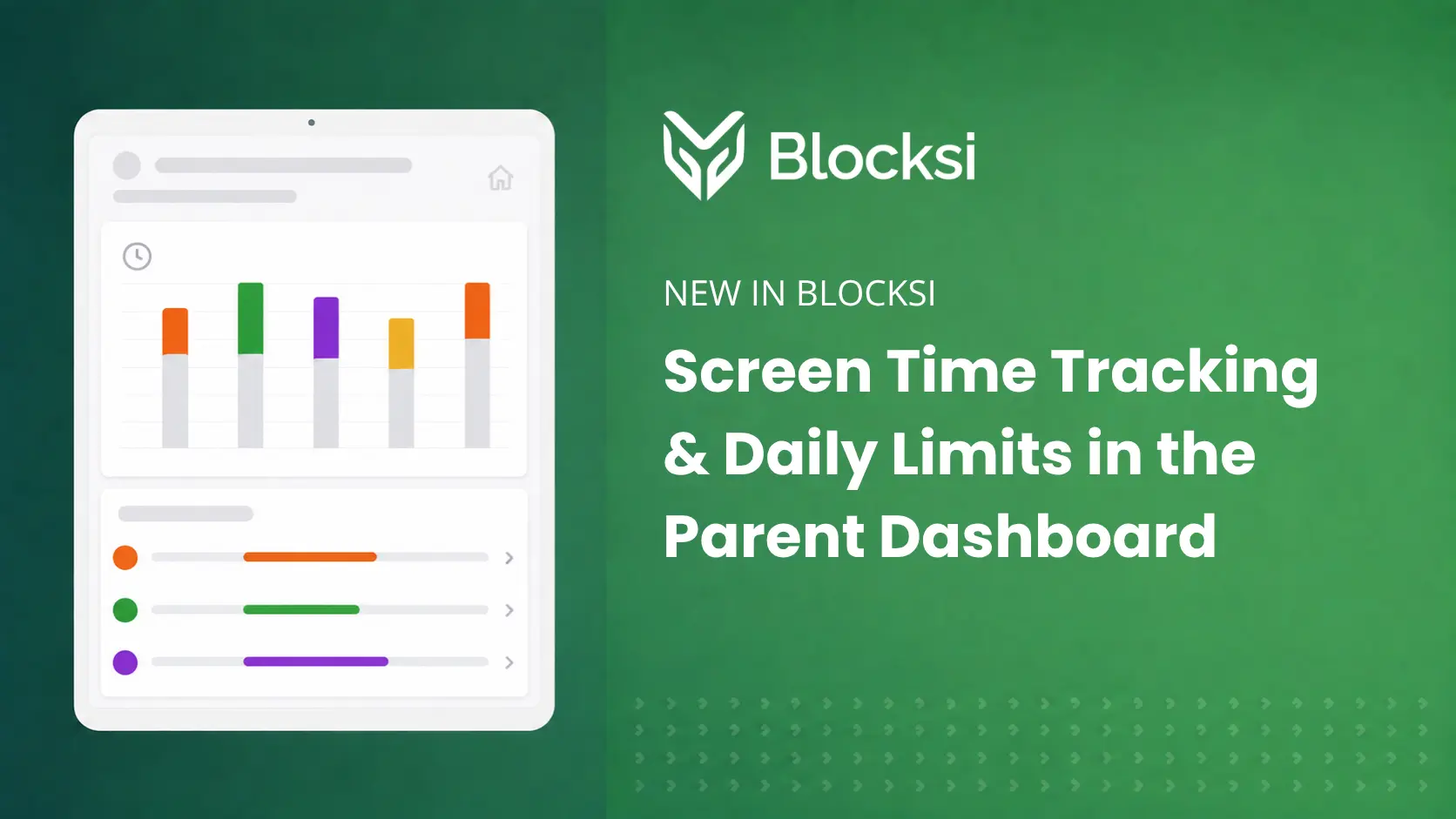
Blocksi’s Parent Dashboard (also available as an app) gives families exactly this: a single view into device activity, the ability to set access schedules, and the option to pause internet access when needed, all tied to the same filtering and safety systems the school already uses on the device. Because it works within the district’s existing setup rather than around it, it doesn’t conflict with school policy, which is the piece most consumer parental control tools can’t offer.
If your district uses Blocksi, the Parent Dashboard may already be available to you. If it doesn’t, it’s worth asking. Districts can enable parent visibility as part of their existing setup.
Key Takeaways
- School-issued devices fall somewhere between school policy and home parenting, and most parents currently lack visibility into either side.
- So far in 2026, at least 16 states have introduced legislation to reevaluate screen time or educational technology use, and six states have already enacted laws — some of which push toward parent-accessible monitoring rather than outright device bans.
- Not all screen time is the same problem. The type of activity matters more than the number of hours logged.
- Parents don’t need to wait for a law to pass in their state. Tools like Blocksi‘s Parent Dashboard already give families visibility into school-issued device activity at home, and that capability continues to expand as the conversation around screen time evolves.
FAQ
Is screen time itself bad for students?
Not inherently. It depends heavily on what the screen is being used for. Passive, recreational use as for example long stretches of video-watching or social media scrolling, is different from active use like schoolwork, research, or interactive learning tools, and shouldn’t be judged the same way.
Can parents monitor a school-issued device the same way they monitor a personal one?
Not with typical consumer parental control apps, which usually aren’t compatible with district-managed device policies. Parents need tools designed to work alongside the school’s existing management system, like Blocksi’s Parent Dashboard, rather than separate from it.
Are states requiring schools to give parents more control over screen time?
Yes, in a growing number of cases. Several states have already passed legislation pushing districts toward parent-accessible monitoring systems, and more states might be considering similar measures.
What should I look for in a screen time tool for my child’s school device?
Look for visibility into time spent by category (not just raw browsing history), the ability to set schedules or limits, and compatibility with your school’s existing device management system — so the tool works with school policy rather than creating a separate, conflicting set of rules.
SOURCES
[1] Daily Screen Time Among Teenagers: United States
[2] Parents, States Push Back Against Screens in Class
[3] Screen Time Legislation Is Moving Fast. Here’s What’s Actually Enacted
[4] Should schools limit kids’ screen time? The science is murky
[5] Association Between Screen Media Use and Academic Performance Among Children and Adolescents
[6] New study explores what makes digital learning products more – or less – effective
[7] Adapting to Screen Time Laws in Schools
More to Explore


Follow Our Social Media Channels


