Class Notes

Automatic Lesson Notes for Teachers
Why schools need Class Notes

Time‑Strapped Teachers
Managing multiple classes leaves little room for rewriting what was already said. Class Notes automatically generates structured lesson summaries so teachers can focus on instruction, not documentation.

Modern Students
Not every student absorbs information the same way. Class Notes provides clear written summaries they can revisit at their own pace: whether they were absent, need reinforcement, or learn better with written support.
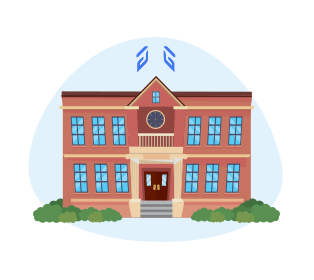
Schools Seeking Simpler Workflows
Instead of adding another disconnected tool, Class Notes works inside the Blocksi Teacher Dashboard, delivering organized lesson records without introducing new platforms or processes.
What Class Notes does
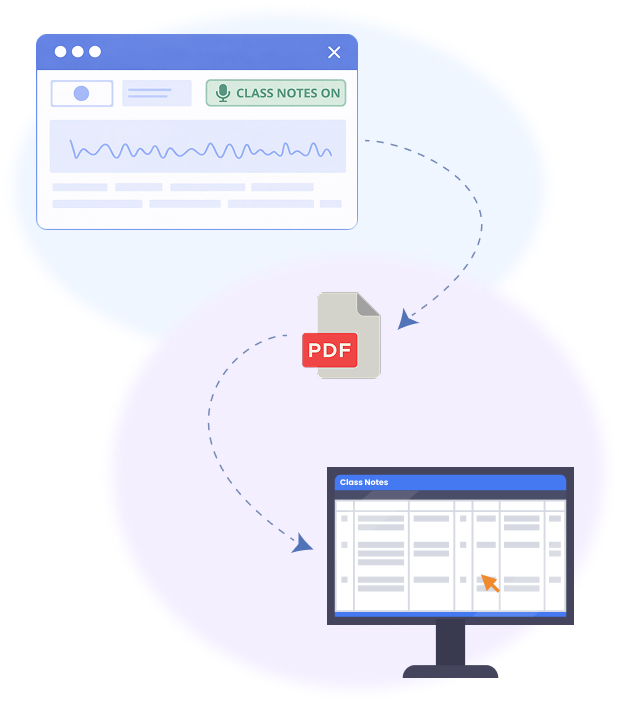

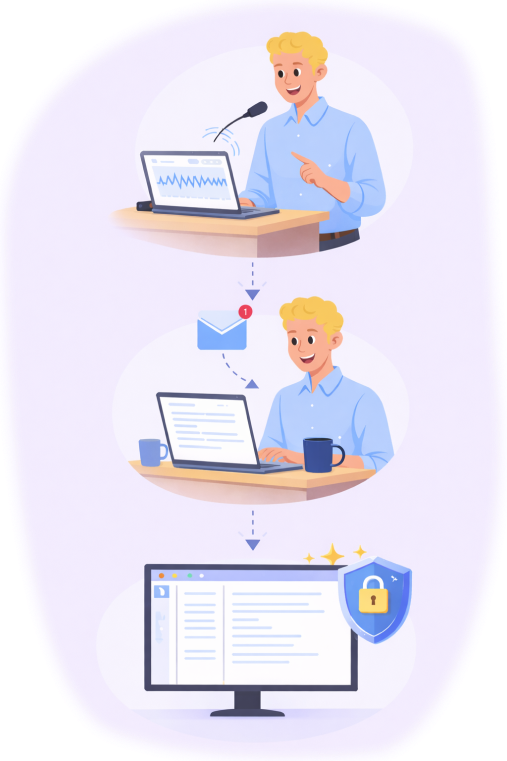
One Tool, Benefits for Everyone
Book a free demo to explore Blocksi’s Class Notes in action!

The tools are user-friendly and easy to find — everything is visible and right there in plain view. Blocksi makes it easier to monitor my entire class and know that students are on task.
My favorite thing about Blocksi are the classroom management tools — being able to block websites and manage what students are doing. Blocksi gives us an easy, user-friendly way to monitor student activity and a much better resource for controlling which content is seen by students. The near-instantaneous allow/blocking with the Exception List has been amazing to use.
Blocksi is a great resource to help keep your students on task and focused! You can screen share, enforce websites, give Heads Up, and message students on their devices! If you want help to make your classroom smoother, then Blocksi is for you!
We moved to Blocksi during COVID-19 when we had to send Chromebooks home with students and needed a filtering solution quickly — and we haven't looked back since. Teachers love being able to block and allow sites as needed, or stop everything with the Heads Up feature to get students' attention. Blocksi customer support is second to none, and they are constantly updating and improving to keep up with the world of education and implement suggestions from their clients.
We have been using Blocksi for a few years now, and it has become an invaluable tool for classroom management. The feature that allows us to see all open tabs on student devices has been incredibly helpful for monitoring student activity. Blocksi has become a fundamental tool for every teacher in our district.
I've been using Blocksi for about 3 years now, and it has been a game changer for our school. We love the analytics and the ability to easily block inappropriate content, making sure students only access safe online content. It empowers teachers to take control of their classrooms — managing what students need to see during class time and eliminating distractions. Thank you, Blocksi. You've changed our life and work.
About Us
Blocksi is devoted to establishing a secure environment for K-12 students by proactively shielding them from harmful content, regardless of whether they are inside or outside school districts.
More about us →
About Us
Blocksi is devoted to establishing a secure environment for K-12 students by proactively shielding them from harmful content, regardless of whether they are inside or outside school districts.
More about us →
Stay Connected With Us on Our Blog