


NEWS
How Smart Classroom Management Helps K–12 Educators in 2026

Managing a classroom in 2026 means more than lesson plans and seating charts; it means overseeing the entire digital space. With students using devices daily, the right tools can make the difference between a focused, productive class and one full of distractions.
If you’ve been wondering about the best classroom management tools for teachers, how to manage student devices in class, or simply how to stop students from getting distracted online, this guide will walk you through why smart classroom management matters and what it can do for your school.
Why Does Classroom Management Software Matter More Than Ever?
From Chromebooks to tablets, connected devices have transformed the way students learn. With more students using school-issued devices than ever before, keeping distractions at bay can be a challenge.
Smart classroom management software addresses this challenge head-on. It gives teachers real-time visibility and control over student devices, helping them:
- Keep lessons on track
- Monitor engagement
- Reduce off-task behavior
- Protect students from harmful or distracting content
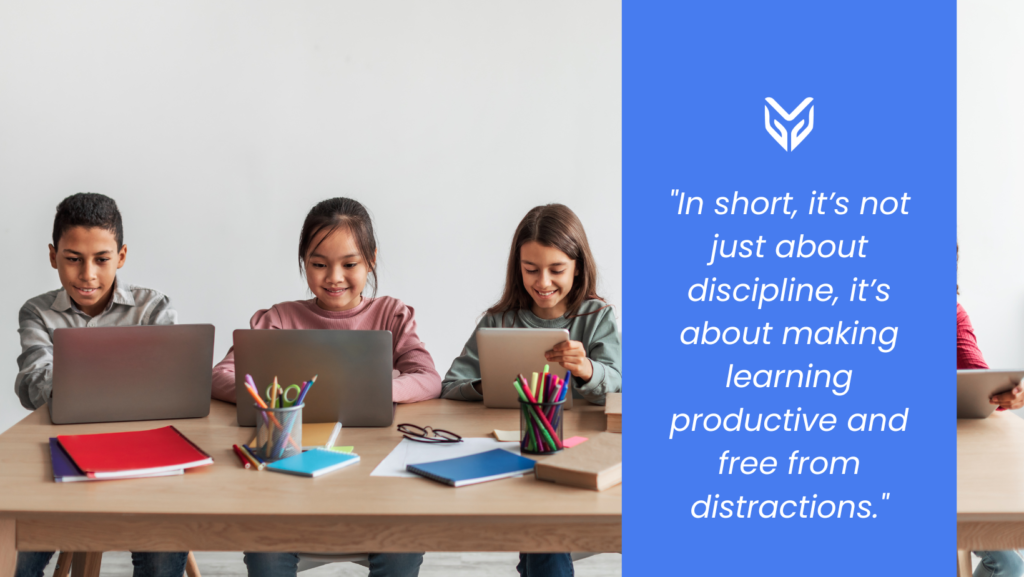
And that’s not just theory; 41% of educators say they struggle to keep students engaged in learning. With so much competing for students’ attention, tools that minimize distractions can have a real impact on focus and outcomes.
What Can Today’s Tools Do?
The top classroom management software in 2026 offers features that go far beyond simple blocking and restricting:
- Screen Monitoring: See student screens in real time to understand who’s engaged and who might need help.
- Tab Management: Track student browsing in class and close tabs that aren’t relevant to the lesson.
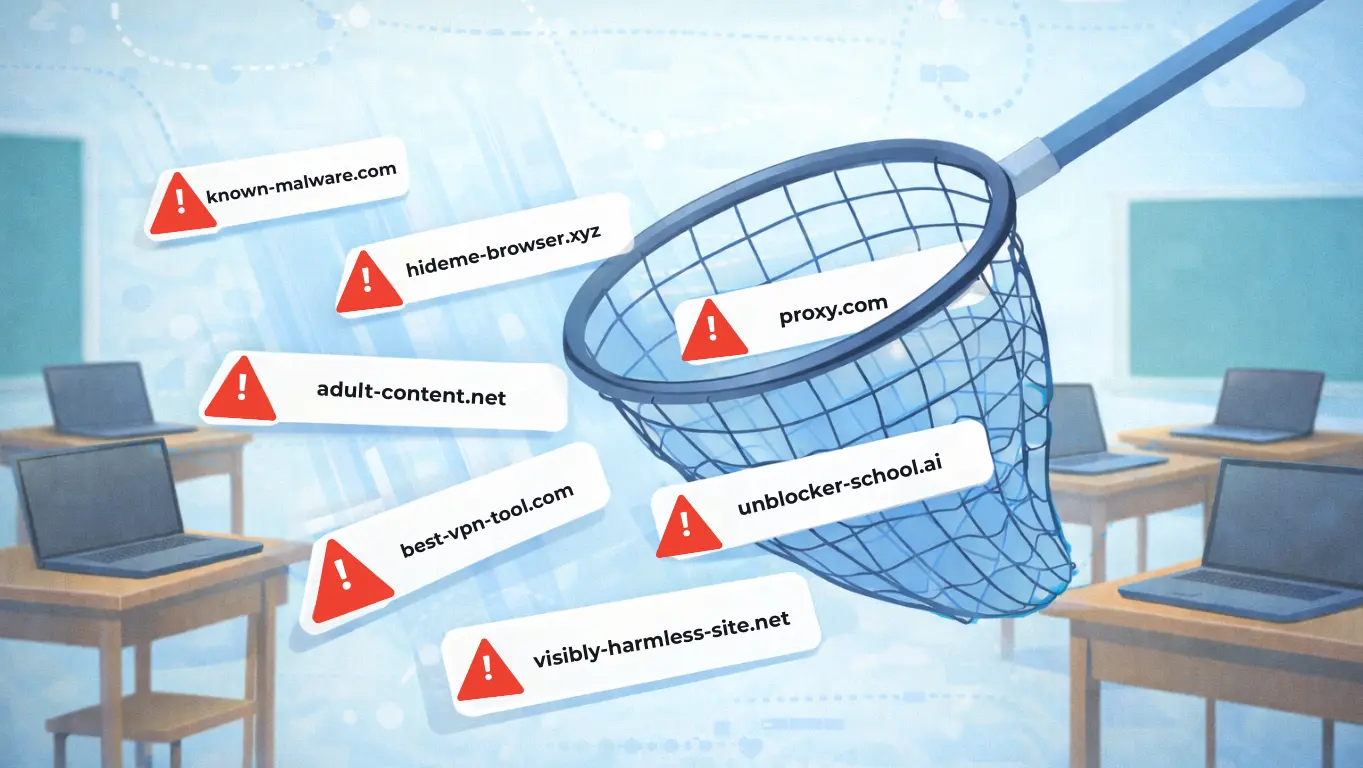
- Filtering Content: Keep harmful or distracting sites out of reach.
- Integration with LMS Tools: Connect with platforms like Google Classroom to streamline teaching workflows.
- Historical Reporting: Review browsing activity to spot patterns and address recurring issues.
What Educators Are Saying
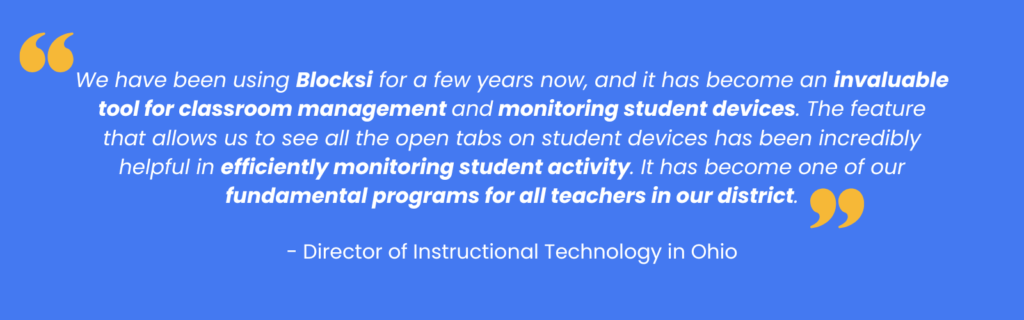
An Ohio district’s director of instructional technology shared that Blocksi’s ability to display all open tabs on student devices has become “one of their fundamental ways of supporting all teachers” and that its seamless Google Classroom integration makes training simple.
A Virginia educator added that Blocksi offers “an easy and intuitive way of monitoring and controlling what students view,” with historical data that helps identify potentially problematic sites.These real-world perspectives show how student device management tools can shift the classroom dynamic from reactive to proactive, letting teachers address issues before they escalate.
How Classroom Management Tools Keep Students on Task
If your teachers are looking for tools to keep students on task, modern solutions make it possible without constant interruptions. For example:
- Alerts and Messaging: Gently redirect students through on-screen messages.
- Focus Mode: Lock all student devices to a single site or app during lessons.
- Website Controls: Allow only pre-approved sites during certain activities.
When teachers have these capabilities, they can guide students back on track in seconds, without stopping the flow of the lesson. Research shows that students’ use of digital devices as a distraction in class is linked to lower academic performance, making classroom device management more than just a tech concern.
The Bigger Picture: From Distraction Control to Better Learning
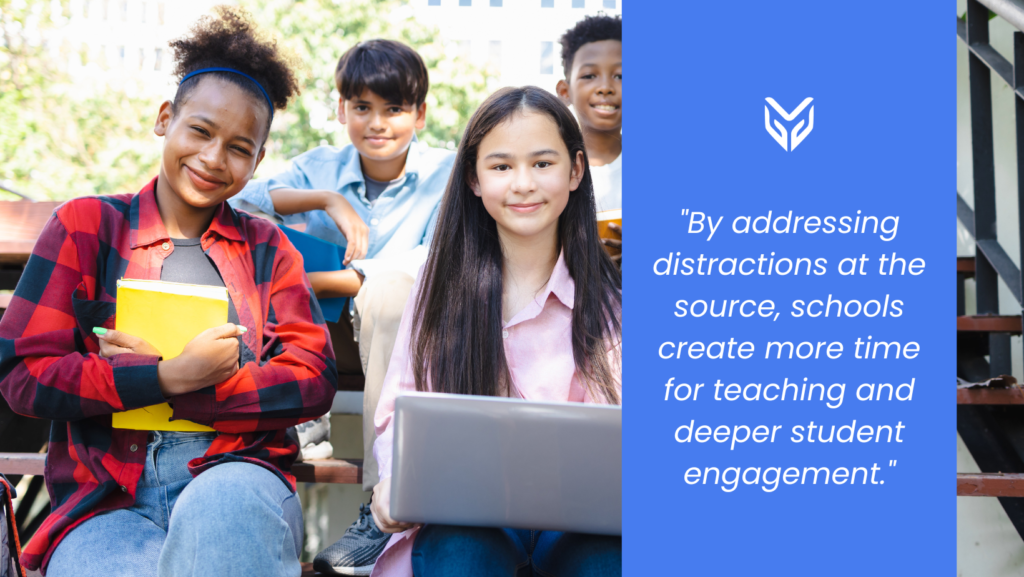
While much of the conversation is about how to stop students from getting distracted online, the benefits of strong classroom management go beyond blocking content.
It’s about:
- Giving teachers the confidence to integrate technology into every lesson.
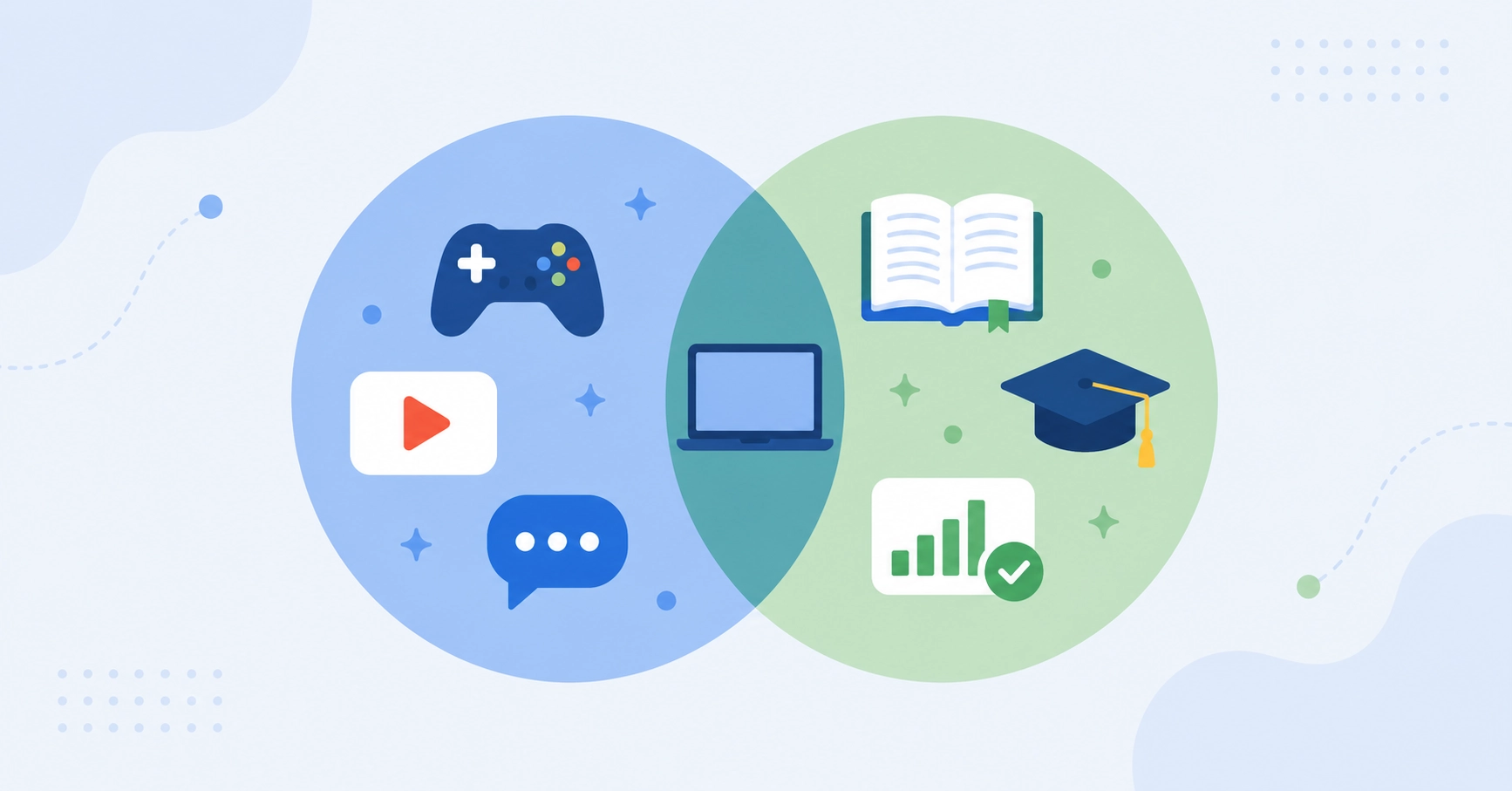
- Ensuring students use devices for learning, not just entertainment.
- Building consistent, schoolwide expectations for responsible device use.
Choosing the Right Solution for Your District
When evaluating the best classroom management tools for teachers, look for:
- Real-time monitoring and control
- Flexible filtering options
- Seamless integration with your existing systems
- Clear reporting for both teachers and administrators
- Easy onboarding and training
District leaders also need to consider scalability. The right platform should work equally well in a single classroom or across thousands of devices.
The top classroom management software in 2026 empowers teachers to manage student devices, keep students on task, and support focused learning. With the right tools, you can give every educator the support they need to keep their classes engaged, and every student the opportunity to learn without distraction.
FAQs About Smart Classroom Management
How can I monitor what students are doing online during class?
Use classroom management software that provides live screen monitoring and tab tracking so you can see what students are doing in real time.
What’s the best way to stop students from getting distracted online?
Look for tools with website controls, assessment modes, and custom filtering to limit access to only the sites needed for learning.
How do I manage student devices across multiple classrooms or schools?
Choose a platform that supports scalable deployment and centralized control for district-wide visibility.
Can these tools help with hybrid or remote learning too?
Yes. Many platforms work both in and out of the classroom, helping educators manage student engagement wherever learning happens.
SOURCES
[1] What the Massive Shift to 1-to-1 Computing Means for Schools, in Charts
[3] Digital Distractions in Class Linked to Lower Academic Performance
More to Explore
Follow Our Social Media Channels


