


NEWS
How the Best Content Filtering Tools Help Schools Stay CIPA-Compliant in 2026

Keeping students safe online is one of the biggest responsibilities for K–12 schools today. Between E-rate funding requirements and the rise of 1:1 devices, districts can’t afford to leave internet access unprotected. That’s where content filtering comes in. But the right filtering tool doesn’t just check the compliance box, it gives your team confidence that students are safe, teachers are supported, and sysadmins have the visibility they need.
Why Does CIPA Compliance Matter for Your School?
If your district receives E-rate funding, you’re required to follow the Children’s Internet Protection Act (CIPA). That means setting up protections to block harmful or inappropriate online content, while still ensuring students can access educational resources.
The challenge? Students are online more than ever, whether on Chromebooks, Windows devices, or personal BYOD devices, and keeping them safe requires more than just blocking a few websites. That’s where content filtering tools come in.
What Is a Content Filtering Tool in K–12 Schools?
There are plenty of generic web blocking tools on the market, often used by businesses to restrict access on work computers, but K–12 schools require something more specialized. A true content filtering tool in education is software built around district policies, designed to screen, block, or allow online content in ways that align with teaching and learning needs. Think of it as a safety net:
- Blocks access to inappropriate or harmful websites with high precision and minding the ever-growing database of web content.
- Enforces CIPA compliance across all devices.
- Provides administrators with reports and analytics about student online activity.
- Allows flexibility for teachers to adjust what students can access in real time.
In short: it helps you keep students safe and classrooms focused, while keeping your school eligible for E-rate funding.

What Makes a Content Filtering Tool “The Best”?
Not every filter is created equal. Some only block sites from a limited existing database or rely on simple keyword matching, while others categorize new content in real time and provide deep visibility and policy controls.
When choosing a school web filtering tool, look for:
- CIPA compliance: Built-in safeguards that meet legal requirements.
- Customizable policies: Different rules based on various grade levels and district needs.
- Granular filtering: Block by keyword, category, or even specific YouTube videos.
- Cross-platform support: Works on Chromebooks, Windows, macOS, and BYOD devices.
- Reports and analytics: Detailed insights into online activity, trends, and problem areas.
- Ease of use: Quick setup, intuitive dashboards, and simple policy updates.
- Real-time teacher controls: Built-in flexibility for teachers to add to district-set policies by allowing or blocking sites instantly in the classroom without overriding core protections.
- Cloud-based reliability: No lag, no performance slowdown, and easy scalability.
How Do the Best Filtering Tools Support CIPA Compliance?
CIPA doesn’t spell out which filter you must use, but it does require schools to:
- Block or filter internet access to pictures and content that are obscene, child pornography, or harmful to minors.
- Monitor the online activities of minors.
- Educate students about digital citizenship and responsible online behavior.
The best content filtering software for schools helps you check all these boxes automatically. IT admins can set policies that block inappropriate categories, log activity, and provide compliance reports if your district is ever audited.
Check these 3 signs your school web filtering tool might be too restrictive.
What About Student Safety and Classroom Management?
While compliance is the baseline, most districts go further. Good filtering tools double as classroom management and student safety solutions. Teachers can pause the internet to get attention, approve sites on the fly, or keep students focused during assessments.
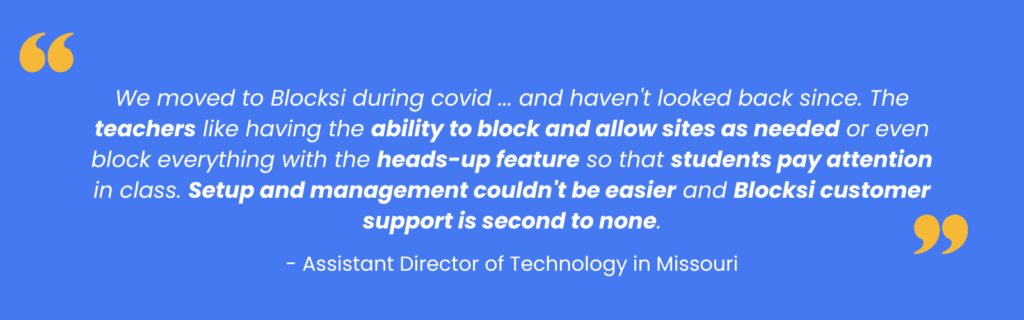
As one Assistant Director of Technology in Missouri shared: “We moved to Blocksi during covid when we had to send Chromebooks home with students and needed a filtering solution quickly. We haven’t looked back since. The teachers like having the ability to block and allow sites as needed or even block everything with the heads-up feature so that students pay attention in class. Setup and management couldn’t be easier and Blocksi customer support is second to none.”
That combination of compliance, flexibility, and classroom support makes the difference.
Which Content Filtering Tools Work Best for Schools in 2026?
District leaders comparing school internet filtering software are often focused on these three things: staying compliant with CIPA, supporting classroom instruction, and reducing IT workload. The best content filtering tools for K–12 combine these needs into one solution.
For example, cloud-based platforms like Blocksi Content Filtering provide:
- Reliable CIPA compliance filtering tools that enforce policies across Chromebooks, Windows, and macOS.
- Flexible controls to block inappropriate websites in schools while allowing safe, educational resources.
- Granular filtering for YouTube, social media, and other platforms where students spend most of their time.
In 2026, districts looking for the best CIPA-compliant web filter will prioritize not just compliance, but also usability for teachers and detailed reporting for sysadmins. That’s why many schools are moving toward cloud-based content filtering for schools that are easier to manage and scale.
Why Do IT Leaders Recommend Blocksi?
District technology leaders often need tools that scale across hundreds or even thousands of student devices. Blocksi is built for K-12, combining filtering, analytics, and teacher tools in one platform.
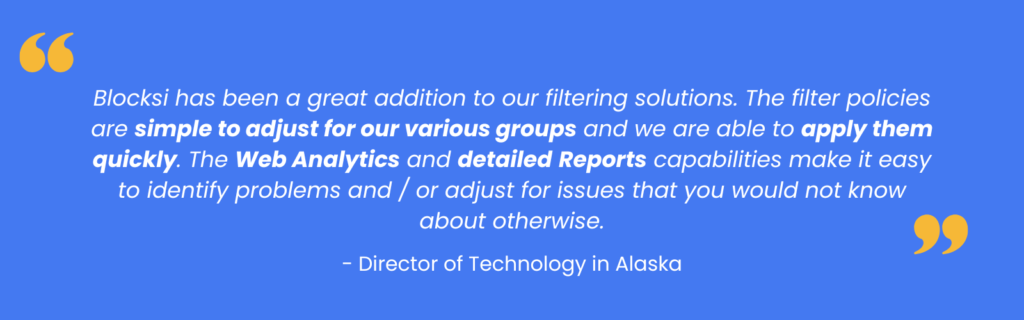
An Alaskan Director of Technology summed it up: “Blocksi has been a great addition to our filtering solutions. The filter policies are simple to adjust for our various groups and we are able to apply them quickly. The Web Analytics and detailed Reports capabilities make it easy to identify problems and / or adjust for issues that you would not know about otherwise.”
That’s the kind of visibility and simplicity that helps schools stay CIPA-compliant without adding IT headaches.
Quick Answers: What Should Schools Know About Content Filtering In 2026?
- CIPA compliance is non-negotiable if your district relies on E-rate funding.
- The best content filtering tools do more than just block websites; they provide visibility, reports, and classroom controls.
- District leaders recommend solutions like Blocksi Content Filtering because they combine safety, compliance, and simplicity in one platform.
FAQ: Content Filtering and CIPA Compliance
Do all schools need content filtering to be CIPA-compliant?
Yes, if you receive E-rate funding. Even without E-rate, most districts still implement filtering to keep students safe.
Can filters be adjusted for different grade levels?
Yes. Tools like Blocksi allow customized rules can be adapted for specific grade levels, learning needs, or teaching goals.
Can teachers override filters in class?
With the right tool, yes. Blocksi’s teacher dashboard lets educators adjust policies in real time within the boundaries set by district administrators.
How do filters handle YouTube and social media?
Advanced tools filter YouTube videos across categories, keywords, and specific channels and restrict social media based on district rules.
SOURCES
[1] Children’s Internet Protection Act (CIPA)
[2] What the Massive Shift to 1-to-1 Computing Means for Schools, in Charts
[3] How To Teach Your Students The 9 Elements Of Digital Citizenship
More to Explore
Follow Our Social Media Channels


