


Blocksi features
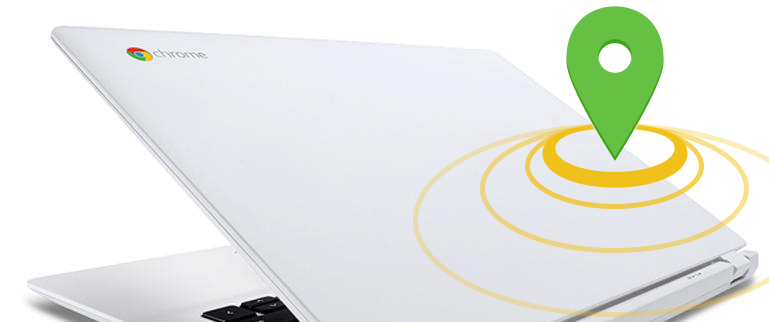
Effective Device Tracking for School-Owned Chromebooks Now Live!
Learn how Blocksi’s Admin Dashboard tracks lost Chromebooks using Kiosk mode and data collection for recovery.
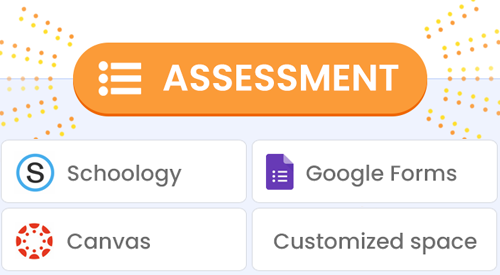
Airtight Assessments with Google Forms, Schoology, and Canvas
Blocksi’s locked-down browser mode keeps students focused by restricting internet access to only the chosen assessment environments.
Unveiling an iPhone App for Parents & Guardians
Blocksi now offers an iPhone app for parents! Monitor your child’s device usage, control screen time, and receive alerts for harmful content.
Blocksi Manager Education everywhere introduces Trends
Blocksi Manager Education Everywhere for GSuite managed Chromebooks, introduces Insight’s Trends: an Analytics tool that allows school administrators, principals, and delegates to detect on any student’s Gsuite Gmail, Google Docs Google Drive and Youtube account , any activity related to cyberbullying, profanity/swearing, signs of depression/anxiety/low self-esteem, signs of self-harm/suicidal thoughts, violence, alcohol/drug-related content, sextortion, risky new… Continue reading Blocksi Manager Education everywhere introduces Trends
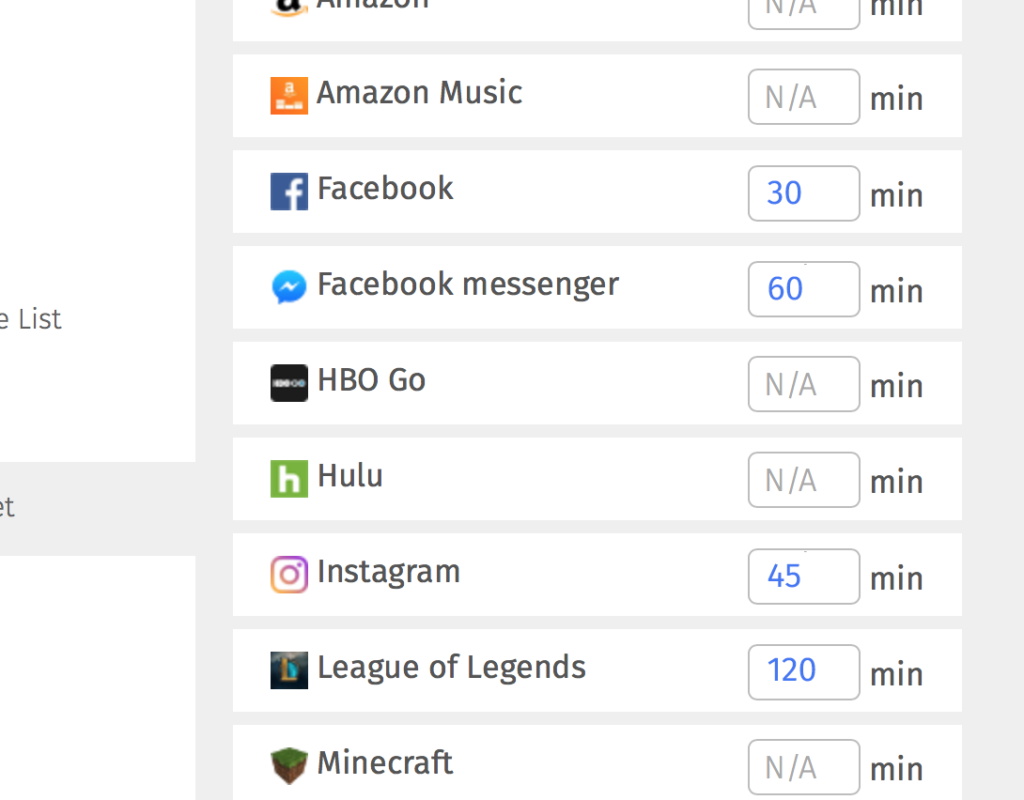
Screentime control makes its way into Blocksi Manager products
The much awaited cloud based “Screen time control per application” and “Enhanced application filtering” features started to make their ways across all Blocksi Products. We live in a world of apps, and in a world where screen time becomes more and more important, sometime even more important than the content itself . As such,… Continue reading Screentime control makes its way into Blocksi Manager products